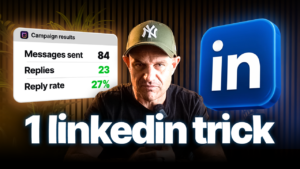
LinkedIn lead generation gets easy when you message people on the same day they tell you what they care about. We tested this with total strangers. We sent 34 connection requests, 22 people accepted and 19 of them replied.
That’s an 86% reply rate from cold traffic, and the whole thing ran on autopilot.
Here’s the problem most of you have. You send polite LinkedIn messages to a bought list, and almost nobody answers. The list is stale, the message feels random and the timing is wrong.
In this guide, you’ll learn how to fix all three with signal-based LinkedIn lead generation. Dan Wardrope sat down with Jonny Matthews, owner of Topa, to build a signal campaign from scratch. It took about five minutes. By the end, you’ll have a lead machine that finds fresh buyers every 24 hours.
Want leads to test this on today? Join the B2B Leads Lab and get access to 350 million leads. It takes about a minute on your phone.
What Is LinkedIn Signals And How Does It Work?
LinkedIn Signals is a Topa feature that watches LinkedIn for buying signals and turns them into leads every day. You pick an influencer, a competitor or a keyword. Every 24 hours, it collects the people engaging with that topic and pushes them into your outreach.
So your first message can say, “I saw your post about X.” It feels personal because it is personal. You reach people at the exact moment they show interest.
LinkedIn has more than 1 billion members in over 200 countries and territories. Most of them never post. The ones who do are telling you what’s on their mind, in public, today.
Topa offers two types of signal for LinkedIn lead generation. Here’s how each one works.
Profile Monitoring: Turn An Influencer’s Commenters Into Leads
Profile monitoring collects everyone who comments on a chosen person’s posts. Pick an influencer your buyers follow, or a competitor, and Topa scrapes the engagers daily.
In the video, Jonny uses Alex Hormozi as the example. One Hormozi post pulled over 2,500 interactions in 24 hours. A coaching company scrapes those people because they’re exactly who buys coaching.
That’s 2,500 warm leads from one post. And it refreshes every single day.
Keyword Monitoring: Find People Posting About Your Niche Today
Keyword monitoring finds anyone who posts using a word or phrase you choose. You type in “final expense” or “insurance leads”, and Topa checks LinkedIn daily for matching posts.
This is the version we used for our insurance campaign. It suits niche offers best, because people literally announce their problem in the post.
How Did Signal-Based LinkedIn Lead Generation Get An 86% Reply Rate?
We got an 86% reply rate by messaging insurance professionals right after they posted about leads. Relevance plus timing did the heavy lifting, not clever copy.
Here are the real numbers from our keyword signal:
- 34 connection requests sent
- 22 accepted (a 65% acceptance rate)
- 19 replied (86% of those who accepted)
To be fully transparent, 19 replies from 34 requests is a 56% reply rate across everyone we contacted. That’s still far beyond what a cold list usually produces.
What Did The First Message Say?
The connection note was one line. “Hi {firstname}, saw you posting about leads.”
That’s it. They knew we’d seen their post, so the request made sense. Next, we followed up with our database reactivation offer. We reactivate old leads on a paid-on-results basis, then ask for a quick chat.
The offer matched the exact thing they had just posted about. That’s why it landed.
Why Does Signal-Led Outreach Beat Cold Lists?
Signal-led outreach wins because it reaches people while their interest is fresh. A cold list only tells you who someone is. A signal tells you what they care about right now.
Timing matters more than most people think. A well-known Harvard Business Review study proves it. Firms that contacted leads within an hour were nearly 7 times likelier to qualify them. Waiting 24 hours made them over 60 times less likely (HBR, “The Short Life of Online Sales Leads”).
That study looked at inbound leads, but the principle carries over to LinkedIn lead generation. A post is a signal of interest with a short shelf life.
Real Examples Of Signal-Led Campaigns
Jonny reckons signal-led outreach beats “a crappy list” by about 10 times. Here’s how other businesses use it:
- A PR firm monitors people who post that they’ve “just launched”. Their opener: “Noticed you’ve just launched. Can we do a PR piece for you?”
- Topa itself monitors engagers on cold email tools like Clay, Instantly and Smartlead. Their opener: “Saw you liking Instantly’s post. Have you considered LinkedIn automation?”
- A coaching company monitors Alex Hormozi’s commenters, since those people already buy business education.
Cold email “spray and pray” is tough going, even with AI writing the messages. If you still run cold email, fix your setup first with our cold email deliverability walkthrough.
How Do You Set Up A LinkedIn Lead Generation Signal From Scratch?
You can set up a LinkedIn lead generation signal in about five minutes. Choose a signal, set a daily volume, connect a campaign and let it run. Here’s the exact process Jonny follows in the video.
Step 1: Choose Your Signal Type
Decide between profile monitoring and keyword monitoring. Use profiles when your buyers follow a known creator or competitor. Use keywords when your buyers describe a specific problem in their posts.
Step 2: Run The Initial Search
Go to Signals, choose Keyword monitoring and type your term. Jonny typed “final expense” and Topa found 224 leads from the last 24 hours. Then he saved the signal.
Step 3: Set Your Daily Fetch Volume
Tell Topa how many leads to pull each day. You might pick 20, 50 or all of them. The signal then runs at the same time daily, and you can change the run time.
Step 4: Choose Where Your Leads Go
Pick a destination for each day’s fresh leads. Topa can push them into its own LinkedIn or voicemail campaigns, into Instantly or Smartlead, or out through a webhook.
A webhook sends the data straight into your CRM or automation tool. You could catch it in n8n and route it into Go High Level. Our guide on how to connect Go High Level to n8n with webhooks shows that setup.
Step 5: Build Your LinkedIn Campaign
Add your LinkedIn account, then create a campaign to reach out to new connections. Write your three messages yourself, or let Topa’s AI Writer scan your website and draft a sequence.
Step 6: Connect The Signal To The Campaign
Head back to your signal and tell it which campaign to feed. That’s the final click. In the video, the signal pulled 82 final expense leads and started pushing them in straight away.
Now the campaign keeps running on anyone who posts about final expense. You set it once, and it works forever.
What Is The 1-2-3 Handraiser LinkedIn Sequence?
The 1-2-3 Handraiser is a short connection note plus three follow-up messages that get prospects to raise their hand. Once someone replies, the automation stops so you can take over.
Here’s the version Jonny wrote for our database reactivation offer:
- Connection note: “Hi {firstname}, saw you posted about final expense.”
- Message 1: “Hi {firstname}, quick one. Would you be open to more sales or leads with no risk to you?”
- Message 2: Explain the offer in one or two lines.
- Message 3: Remove the risk, for example, “You only pay us after you get paid.”
As Jonny says, it’s just copywriting 101. Once your Handraiser is dialled in, it keeps working, because new people post about your topic every day.
We break down the full Handraiser build, including existing-connection campaigns, in our guide to LinkedIn automation without Sales Navigator.
How Do You Turn A LinkedIn Reply Into A Phone Call?
Click Get Cellphone on any connection, and Topa checks several databases for their mobile number. Then you call them. It isn’t a cold call anymore, because you’ve already chatted.
Every message lands in Topa’s shared inbox. Filter by replies, since those people are easiest to talk to. When we’re being really proactive, we even ring people the moment they accept.
Jonny says Topa finds an accurate mobile number for about 70% of people. In the video, he quotes 7.5 cents per number. Topa’s pricing page lists US numbers at 1 credit and international numbers at 1.5 credits.
If you’d rather text than call US prospects, register your number properly first. Our toll-free Twilio verification guide for Go High Level covers the compliance side.
Need help closing once you’re on the phone? Sales Wingman lets you run a live AI demo during the call. See how Sales Wingman Lite helps you close AI clients fast.
What Offer Should You Send To Signal Leads?
Send a low-risk, performance-based offer that matches what the prospect just posted about. For us, that’s database reactivation: turning a business’s old leads into sales with AI and SMS.
We call it the offer of the century. You reactivate old insurance leads using AI over SMS or WhatsApp. The client only pays when it works. See how one campaign turned dead leads into $220K with AI database reactivation.
Prefer to deliver new leads instead? The Pay Per Lead model fits signal outreach perfectly. Learn how to run the Pay Per Lead model with no ads.
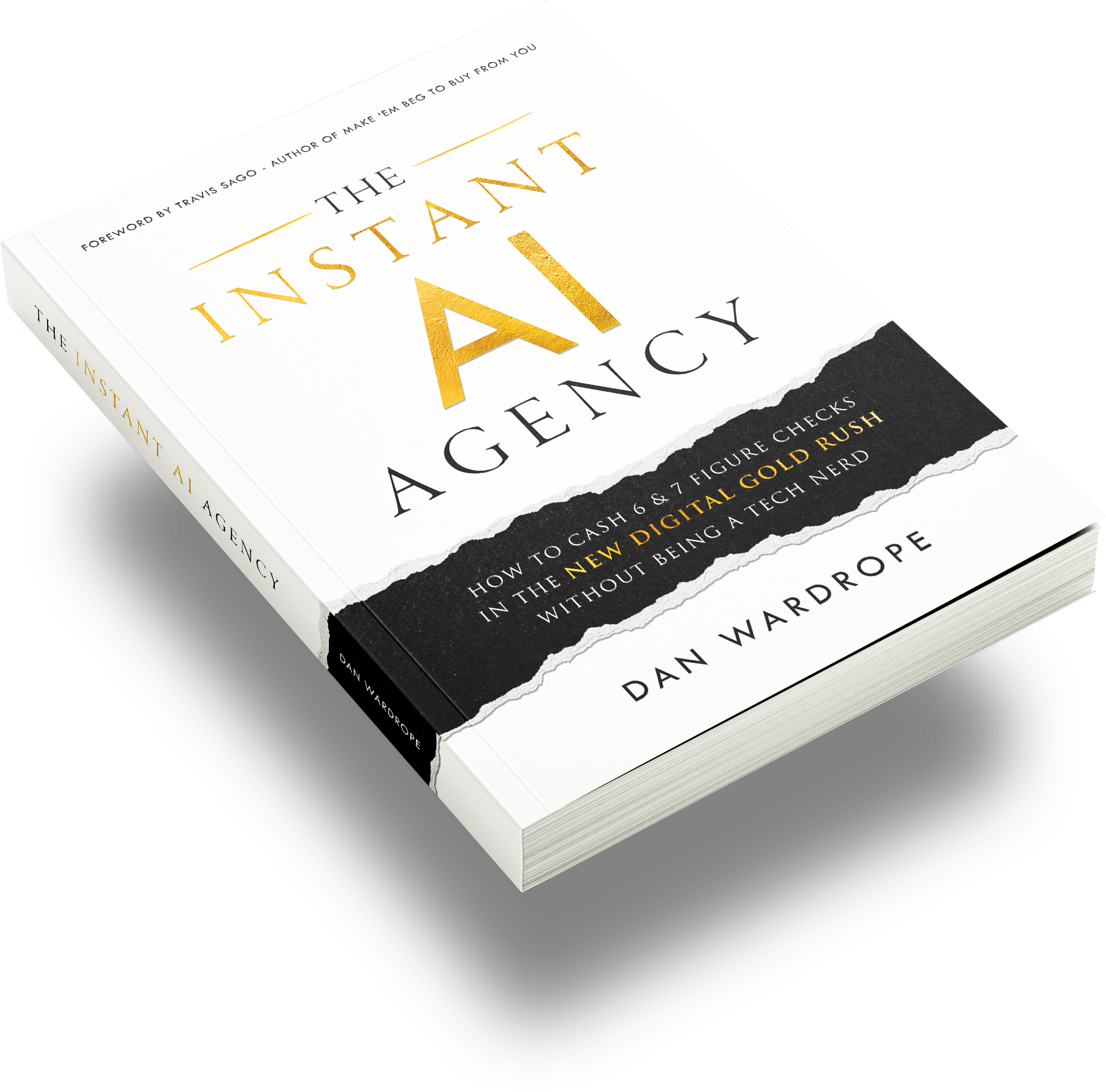
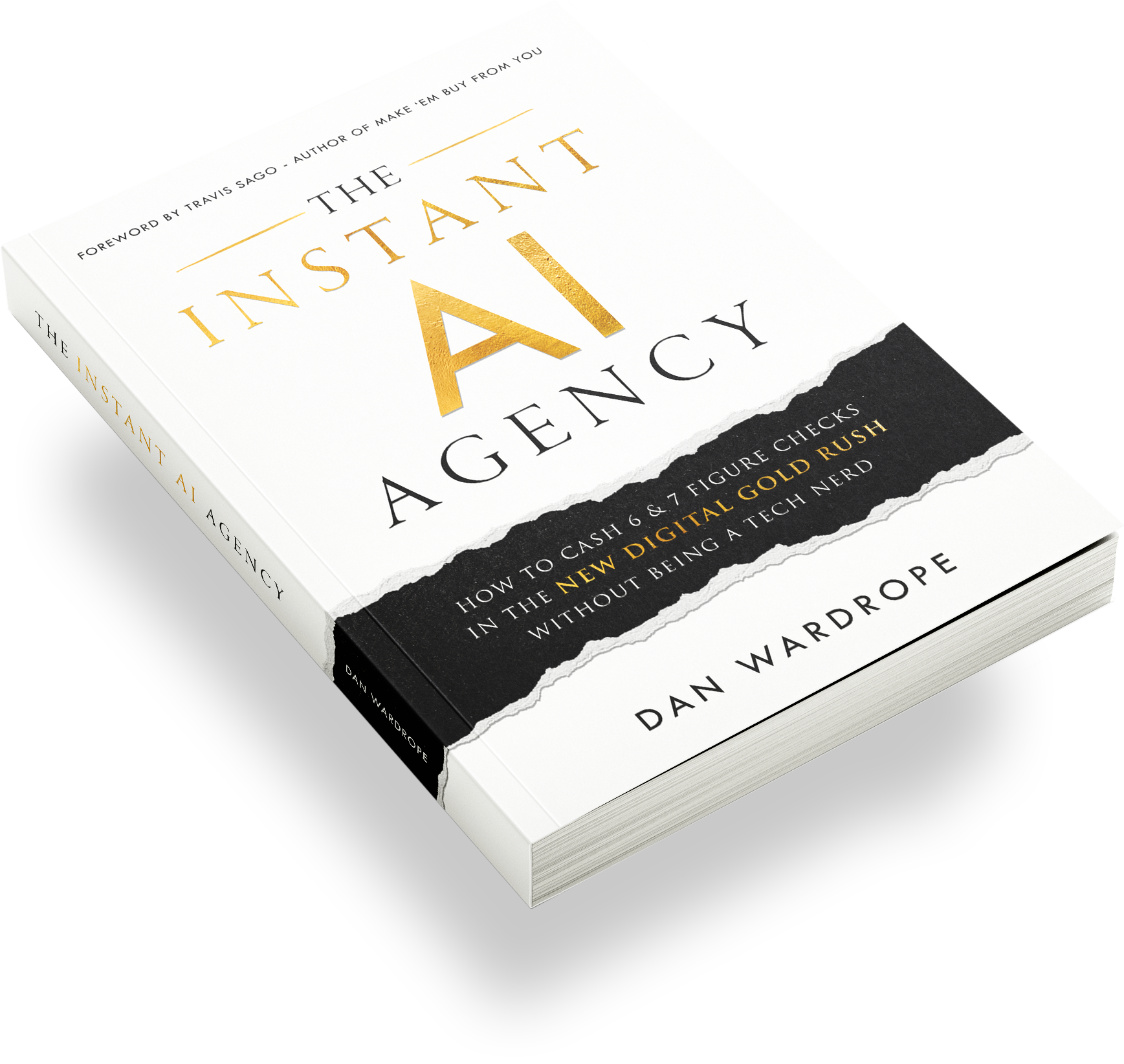
Dan lays out the whole performance-based approach in his book, The Instant AI Agency. For the closing script, read how to close almost every client with the AI SMS offer.
Where Do Lead Pages And B2B Gifts Fit In?
The lead page lets you inspect every signal lead by hand. B2B Gifts helps you win prospects who are still on the fence. Use both when a deal is worth extra effort.
On the lead page, you see each person and what they posted. One lead in the video sells final expense, Medicare, life insurance and live transfers. That’s a perfect fit for DBR, AI automations or marketing automations.
People who post on LinkedIn also tend to be more entrepreneurial and open to talking. That makes every conversation easier than cold.
When Should You Send A Physical Gift?
Send a gift after a good call when someone still hasn’t committed. In Topa, you click to send a physical gift through B2B Gifts. Address lookup isn’t built in yet, so you’ll need a little detective work for now.
Gifts work because they stand out. Read how one student used lumpy mail to book coffee dates worth $80M.
Ready to fill your pipeline? Join the B2B Leads Lab and claim your 200 free B2B leads. Then plug them straight into your first signal campaign.
Is LinkedIn Automation Safe For Your Account?
LinkedIn automation always carries some risk, so you need to run it carefully. LinkedIn’s help centre says it doesn’t permit third-party software that automates activity on its site.
Protect your account with a few habits:
- Respect daily limits. Topa plans around roughly 500 connection requests and 1,000 messages a month per account.
- Keep messages relevant. People accept signal-based messages, so fewer of them click “I don’t know this person”.
- Warm up new accounts. Start with small volumes and grow slowly.
- Stay human. Reply to conversations yourself once the sequence stops.
Which Tools Do You Need For This Setup?
You only need Topa to run this LinkedIn lead generation system end to end. The other tools are optional destinations for your leads.
- Topa: A LinkedIn automation tool with Signals, a shared inbox, mobile lookup and a lead database.
- Instantly: A cold email platform that sends sequences from many inboxes at once.
- Smartlead: Another cold email platform focused on inbox rotation and deliverability.
- Clay: A data enrichment tool that pulls contact details from many sources into one table.
- n8n: An open-source workflow tool that catches webhooks and moves data between apps.
- Go High Level: An all-in-one CRM and marketing platform that agencies use for SMS, workflows and pipelines.
- Zapier: A no-code tool that connects apps with simple trigger-and-action automations.
New to Go High Level? Start with the complete Go High Level guide.
How Much Does LinkedIn Signals Cost?
Topa’s Starter plan costs $79 (USD) a month for one LinkedIn account and includes 10 signals. Each lead a signal finds costs 0.25 credits, according to Topa’s pricing page.
Every plan also includes 10,000 free database downloads a month. Topa says its database holds around 350 million contacts. Two LinkedIn accounts cost $99 a month at the time of writing.
That makes LinkedIn lead generation far cheaper than most paid tools. Compare it with Sales Navigator, which a third-party guide lists at $119.99 a month for the Core plan. Check current prices in your currency before you buy.
Frequently Asked Questions
Do you need Sales Navigator for LinkedIn lead generation?
No, you don’t need Sales Navigator for LinkedIn lead generation. Signals find people based on what they post and comment on today, which job-title filters alone can’t tell you. Our Sales Navigator-free LinkedIn guide shows another way to do it.
What is a good LinkedIn reply rate?
In our experience, 20% to 30% is a strong reply rate for messages to existing connections. Our signal campaign hit 86% of accepted connections and 56% of all requests. Timing and relevance explain the gap.
How many leads does a LinkedIn signal find each day?
It depends on how popular your keyword or influencer is. A single Alex Hormozi post produced over 2,500 engagers in a day. Our “final expense” keyword found 224 leads in 24 hours.
Can you send LinkedIn Signals leads to Go High Level or n8n?
Yes, you can push leads from a signal to any tool through a webhook. Catch the webhook in n8n, then create the contact and trigger Go High Level workflows. Follow our n8n webhooks and Go High Level tutorial for the build.
Is pay per lead better than a retainer for these clients?
Pay per lead usually closes faster than a retainer, because the client takes no upfront risk. A retainer gives you steadier income but harder sales calls. Compare both in retainer contracts vs Pay Per Lead.
How should an AI automation agency charge clients for this?
Charge on performance when you’re starting out, then move to a base fee plus results. Performance pricing removes the client’s risk and makes your LinkedIn opener easier to say yes to. Our AI automation pricing framework gives you exact numbers.
What is database reactivation, and why does it suit LinkedIn signals?
Database reactivation turns a business’s old, unconverted leads into sales using AI-powered SMS. It suits signals because people posting about “leads” are already feeling that pain. Read our AI database reactivation case study.
What if my Facebook ad account gets banned?
LinkedIn signals give you a lead source that doesn’t rely on ad accounts at all. You can keep booking calls while you appeal a Facebook ban. Signal outreach costs a few cents per lead, not a daily ad budget.
How do you pick a micro niche for LinkedIn signals?
Pick a niche where people post publicly about one clear problem. That gives your LinkedIn lead generation an obvious opener. Final expense insurance works because agents constantly post about needing leads. Our micro niche guide helps you choose.
Conclusion: Start Your First Signal Today
Signal-based LinkedIn lead generation works because you message people at the exact moment they show interest. The software matters less than the timing.
Here’s your action plan:
- Pick one influencer or keyword your buyers engage with.
- Set up a signal in Topa and choose a daily volume.
- Write a 1-2-3 Handraiser that references their post.
- Connect the signal to your campaign and let it run.
- Grab mobile numbers for repliers and call them.
You can get started here and build your first signal in five minutes. For more agency playbooks, see how to land $20,000 deals with LinkedIn cold outreach.