
GoHighLevel is an all-in-one platform for running a business’s marketing and sales: CRM, SMS, email, phone calls, funnels, calendars and automations, all under one login. Agencies use it to serve their clients, giving each business its own sub-account, so one dashboard can run dozens or hundreds of them.
I’m Dan Wardrope, and I’ve run my agency on HighLevel since 2020. Today that account holds 131 client sub-accounts, and a single one of our AI SMS pipelines has more than 1.4 million leads moving through it.
That matters because almost every tutorial here started as something that broke on a live client account. Carriers filtered our texts. A webhook dropped half its fields. Ads Manager and the CRM disagreed about how many leads had come in. What you’ll find here is the fix that held up under real volume, not the version from the help docs.
If you’re brand new… start at the top and work through it in order. First set up your account and your first sub-account. Then buy a number and register it for SMS, and build your first workflow after that. Don’t leave the SMS step until last. Registration can take days, and nothing you build will reach a phone until it’s approved, so start it early and build while you wait.
Point a subdomain like go.yourdomain.com at a sub-account so your funnels and sites load on your own address instead of a temporary link. It covers the one DNS record you need, the Cloudflare setting that quietly breaks verification, and what to check if it still won’t verify.
Link Google Calendar to a sub-account so bookings land in the right calendar and your existing events block out busy times. It also fixes the usual sync failures, from missing permissions to the team-member setting that stops scheduling without any warning.
Get a professional agency website live in one sitting from a ready-made template, with your domain, core pages, a single “book a call” button, a calendar and tracking. It’s built for speed, not design polish, so you can send it to prospects the same day.
Register your client’s brand and campaign with Twilio in the right order, then switch the sub-account over to Twilio Direct. It explains the most common reason registrations get rejected and how to switch without losing the numbers already in the account.
Get a UK or EU phone number verified in HighLevel so your texts aren’t blocked. It walks through the address and business bundles in the right order, the mismatched details that get them rejected, and how to attach the approved bundle when you buy your number.
New HighLevel accounts start with a low daily SMS cap, which won’t cover a real campaign. This covers how to ask support for more, a ramping workaround for when they say no, and other providers you can add for extra capacity.
Texas now treats some marketing texts like telemarketing calls, with registration and penalties attached. This explains who’s affected and gives you a copy-ready checklist for handling Texas contacts in your campaigns. Use it alongside your own legal advice, not instead of it.
Push leads from a client’s CRM straight into a sub-account through the API instead of uploading CSVs. You’ll test it in Postman, map the fields, tag leads by source, and end up with a one-page spec to hand to your client’s tech team.
Split leads from one form or quiz across several clients, each with their own HighLevel account. A short code step in Zapier assigns each lead and sends it to the right client, a cheaper option than dedicated lead distribution software.
Send contact data from GoHighLevel to n8n and back again using webhooks and a Private Integration Token. It’s a full video walkthrough, plus fixes for “not valid JSON” errors and the header mistake that breaks authentication.
A more secure connection that gives n8n only the access it needs, set up through a private marketplace app. Use this one when you’re connecting several sub-accounts. It covers the app fields that block publishing and which permissions to start with.
Send appointment bookings from HighLevel to Meta through the Conversions API, so the conversions your pixel misses still get counted. You’ll build it as a workflow, test it in Events Manager and switch it live, with no developer needed.
Send form submissions from tools like Unbounce or JotForm to Meta’s Conversions API using Zapier. It covers capturing click and browser data, hashing personal details and testing events before you publish, so your reactivation ads optimise on real conversions.
Use Google Tag Manager to fire an event whenever someone clicks a specific button, then check it’s working in preview mode. It’s useful for seeing which call to action people actually use, and for building audiences from the people who read all the way to the bottom.
Set up a voice agent that answers calls, collects the caller’s details and books appointments. It takes you from the greeting and goals through to the agent’s own phone number. There’s a live demo number you can call to hear one before you build.
How the Sales Wingman builds an AI appointment setter that answers questions from a client’s website, qualifies leads and books them in. It shows the demo you can build in seconds, and how the agent and its workflows import into a sub-account.
The strategy behind reviving a client’s old leads with AI and SMS: the performance-based offer, the opening text, and letting AI handle the replies and bookings. Read this to understand the model before you build anything.
A day-by-day plan for taking a HighLevel number from 100 to 10,000 texts a day in about two weeks, based on a live client campaign. It covers the error and opt-out rates to watch, what to do when carriers start filtering you, and how to keep a backup ready.
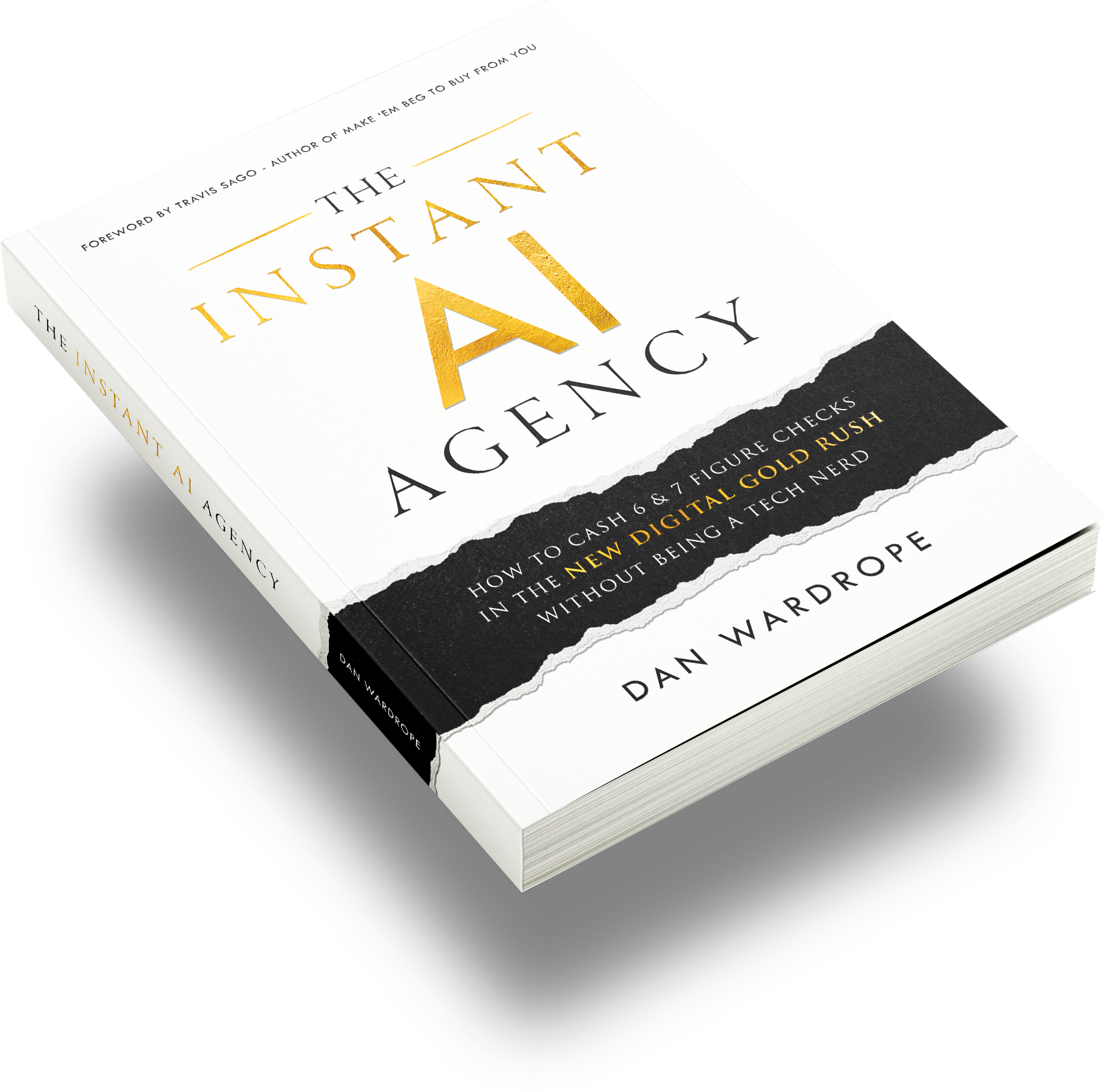
A repeatable campaign framework used by agencies in the Brick & Mortar, Finance, E-Comm, B2B & Info-Product niches. No tech background required.
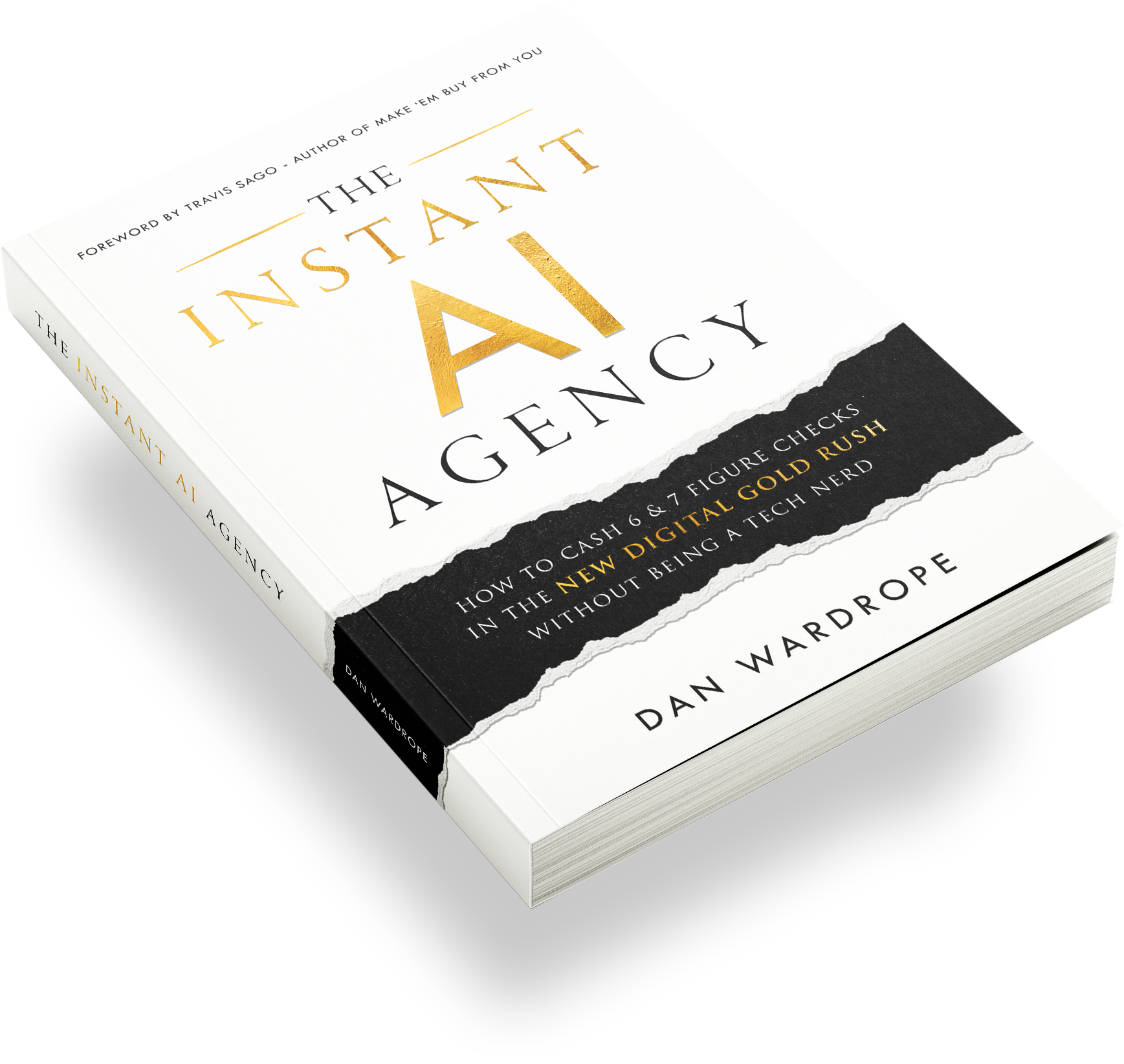

How small agencies use AI & SMS to run lead-reactivation campaigns and keep a performance-share of the revenue…
How small agencies use AI & SMS to run lead-reactivation campaigns and keep a performance-share of the revenue…
How small agencies use AI & SMS to run lead-reactivation campaigns and keep a performance-share of the revenue…
How small agencies use AI & SMS to run lead-reactivation campaigns and keep a performance-share of the revenue…