We still remember the first time we tried to connect GoHighLevel to n8n. We had the API docs open in one tab, a half finished Postman request in another, and a growing suspicion that “easier than it sounds” was a lie someone told us on the internet. It isn’t. Once you know the order of operations, connecting GoHighLevel to n8n with OAuth 2.0 takes about fifteen minutes and unlocks the kind of automation that lets you sync calendars, custom fields, and conversations without lifting a finger for every client sub account you manage.
In this guide we are going to walk you through exactly how we build this connection for our own agency, using GoHighLevel’s API v2 and n8n as the automation layer. The same process applies if you are connecting almost any other OAuth2 app to HighLevel, so even if n8n is not your tool of choice, the steps below will still make sense.
Why Bother With OAuth 2.0 Instead of an API Key
GoHighLevel’s older API used simple API keys, but its current API v2 runs on OAuth 2.0, which is the same authorization framework used by Google, Facebook, and most enterprise software today. OAuth 2.0 is more secure because it issues scoped, revocable tokens instead of a single static key that can access everything if it leaks. For agencies managing multiple client sub accounts, this matters a lot, because a compromised API key with full access is a nightmare, while a scoped OAuth token limits the blast radius if something goes wrong.
n8n itself has grown into one of the most capable automation platforms for exactly this kind of work. It supports custom JavaScript, complex conditional logic, and native AI nodes, which puts it ahead of simpler point and click tools when you need real control over your GoHighLevel data. GoHighLevel, meanwhile, has become the operating system of choice for agencies, combining CRM, calendars, funnels, and messaging into one platform with plans starting around 97 US dollars a month.
Step 1: Create a Private App in the GoHighLevel Marketplace
Head to marketplace.gohighlevel.com and log in, or create an account if you do not already have one. From there, go to the My Apps section and click to create your first app.
Name your app something identifiable, like “n8n OAuth 2”
Choose the app type as “Sub Account” since you are connecting to your own or client sub accounts, not building a public app
Set who can install the app based on your use case (everyone if you plan to reuse this across multiple sub accounts)
Choose “White Label” as your listing type, then click create
Once the app exists, GoHighLevel will ask you to fill in every field marked with a red star before you can publish. This includes a support email, a company name, a tagline, a description, category (Advertising Agency works fine), and both a square logo and a 16 by 9 preview image at 640 by 360 pixels. None of this is complicated, it is just a checklist you have to work through, so budget a few extra minutes for image cropping and text fields you might not have prepared in advance.
The Fields Most People Get Stuck On
A few sections trip people up more than they should:
Social accounts: GoHighLevel asks for Facebook and Instagram links even for a private internal app. Add your agency’s real profiles here, it is a required field even though it feels unnecessary for a tool nobody outside your team will see.
Support details: Make sure your support number includes the correct international dialing code before the number itself, otherwise the form will reject it.
Terms and conditions: These are not always required for private apps, but it is good practice to add them anyway. If GoHighLevel flags them as missing at publish time, you will need to go back and fill them in regardless.
Pricing: Set this to free, since you are not selling the app.
Step 2: Generate Your Client ID and Client Secret
This is the part that actually matters for the connection. Inside your new app, go to the Secrets section and add a client secret. At the same time, open n8n in another tab so you can copy credentials across as you generate them.
In n8n, create a new credential and search for HighLevel, making sure you select the OAuth API option rather than the legacy API key version. n8n will generate an OAuth redirect URL for you. Copy that value and paste it into the Advanced Settings, then Auth section of your GoHighLevel app.
Back in GoHighLevel, generate your Client ID and Client Secret. Save both of these in a password manager or a secure notepad immediately, and never share them with anyone, since these two values are effectively the keys to your sub account data. Paste the Client ID and Client Secret into the corresponding fields in your n8n credential, then save.
Step 3: Choose the Right Scopes (This Is Where Most People Waste Time)
Scopes define exactly what your app is allowed to access inside GoHighLevel, and this is the step most tutorials rush through or skip entirely. GoHighLevel groups scopes by feature area: calendars, contacts, conversations, custom fields, invoices, locations, payments, and more.
You do not need to select everything. In fact, selecting scopes you do not need is bad practice from a security standpoint, since every additional scope is another potential access point if your credentials are ever exposed. For most agency automation workflows, we recommend starting with:
Calendars (select all, since most workflows need to read and write appointment data)
Contacts (essential for almost any CRM sync)
Conversations (needed if your workflow reads or sends messages)
Custom fields (critical if you are pulling or updating specific data points per contact)
Locations (useful if you manage more than one sub account through the same app)
Skip scopes like blogs, chat widgets, funnels, courses, and knowledge base unless your specific workflow genuinely touches those features. Once you have selected your scopes, save the app and publish it. GoHighLevel will tell you if any required fields are still missing before it lets the app go live.
Step 4: Connect Your Sub Account Inside n8n
With the app published, go back to My Apps in GoHighLevel and find your new app. If you ever need to edit it after publishing, use the “clone as draft” option rather than trying to edit a live app directly.
Now switch to n8n and name your credential after the specific sub account you are connecting, since you will likely repeat this process for multiple clients over time. Click “Connect my account,” which opens a GoHighLevel login window. Log in, and GoHighLevel will show a permissions screen listing exactly what the app is requesting access to, along with a warning that the app has not been verified by GoHighLevel itself. This warning is completely normal for private, unlisted apps and does not mean anything is wrong.
Select the correct sub account from the list, approve access, and close the window. Back in n8n, your account should now show as connected. From here, you can build workflows that read and write GoHighLevel data using the OAuth2 credential you just created.
Tips Most Tutorials Skip
A few things we have learned the hard way that rarely make it into other guides:
Always test your scopes with a single low risk workflow first (like reading contact data) before building anything that writes or deletes records, since incorrect scopes will throw silent errors rather than obvious ones.
Keep a shared document of your Client ID, Client Secret, and selected scopes per sub account if you manage multiple clients, because recreating an app from scratch when you cannot remember your original scope selection wastes real time.
If GoHighLevel prompts you for fields that seem irrelevant to a private app (like social media links), just fill them in anyway. Fighting the form costs more time than complying with it.
White labeling your app name and icon matters more than people think if you ever plan to hand off access to a client team member, since a generic looking connection request can look suspicious to a non-technical client.
Where This Fits Into a Bigger AI Automation Stack
Connecting GoHighLevel to n8n through OAuth 2.0 is a foundational skill, but it is really just the entry point. Once the connection works, you can build far more advanced systems, like conversational AI agents that qualify leads and book calls automatically inside GoHighLevel, which we cover in detail in our guide on building a no code conversational AI agent in n8n and GoHighLevel.
If you are also setting up SMS or voice automation on top of this connection, GoHighLevel’s phone system integration matters just as much as the OAuth setup. We break down the exact process in our post on getting your toll free Twilio number verified and connected to GoHighLevel, and for a full compliance walkthrough, our guide on getting Twilio A2P 10DLC approved fast is worth reading before you start sending automated messages at scale.
If your goal is turning these technical skills into client revenue, our post on how to sell AI automation to local businesses with a live demo shows how we package exactly this kind of automation work into paid client offers.
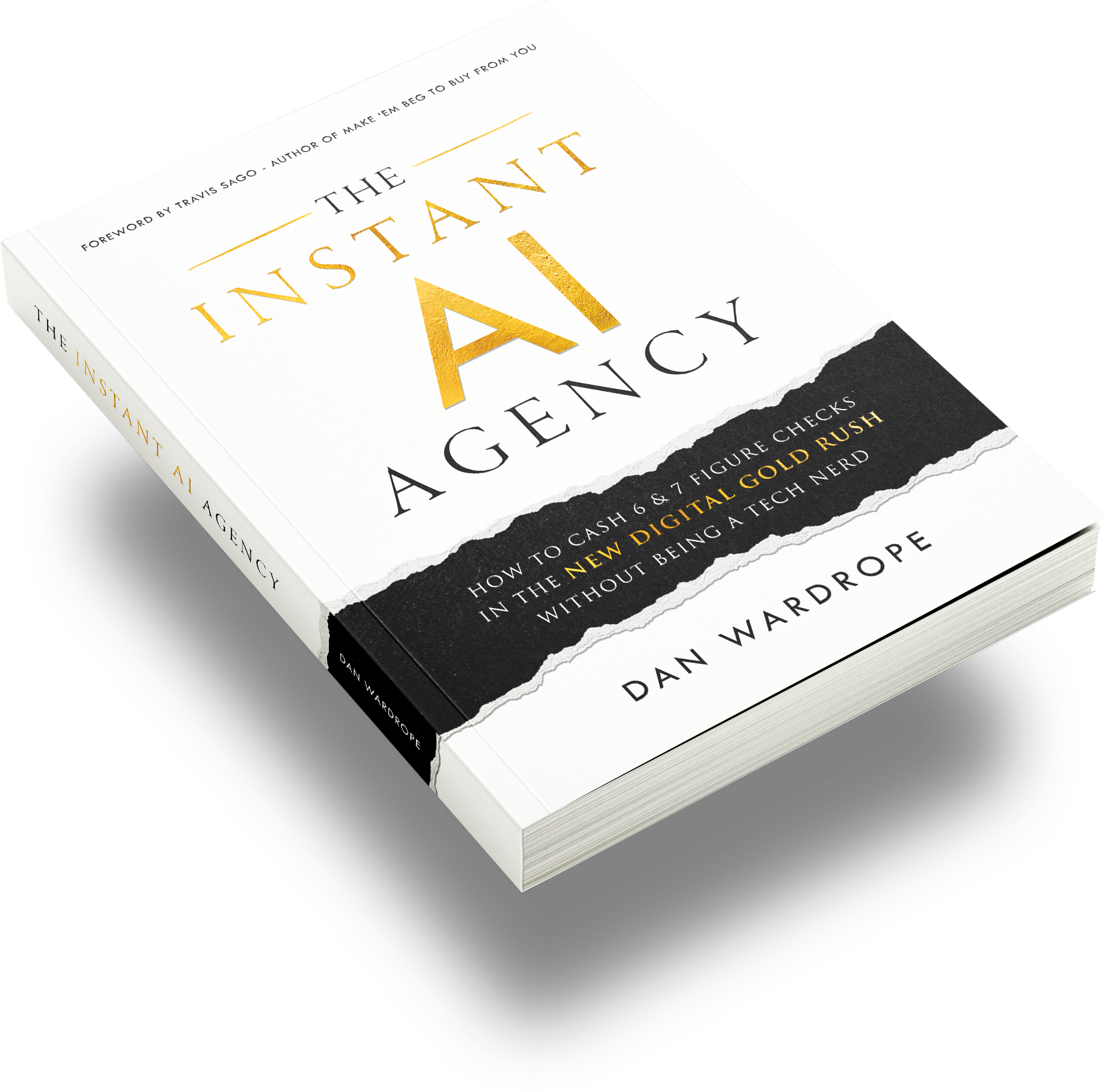
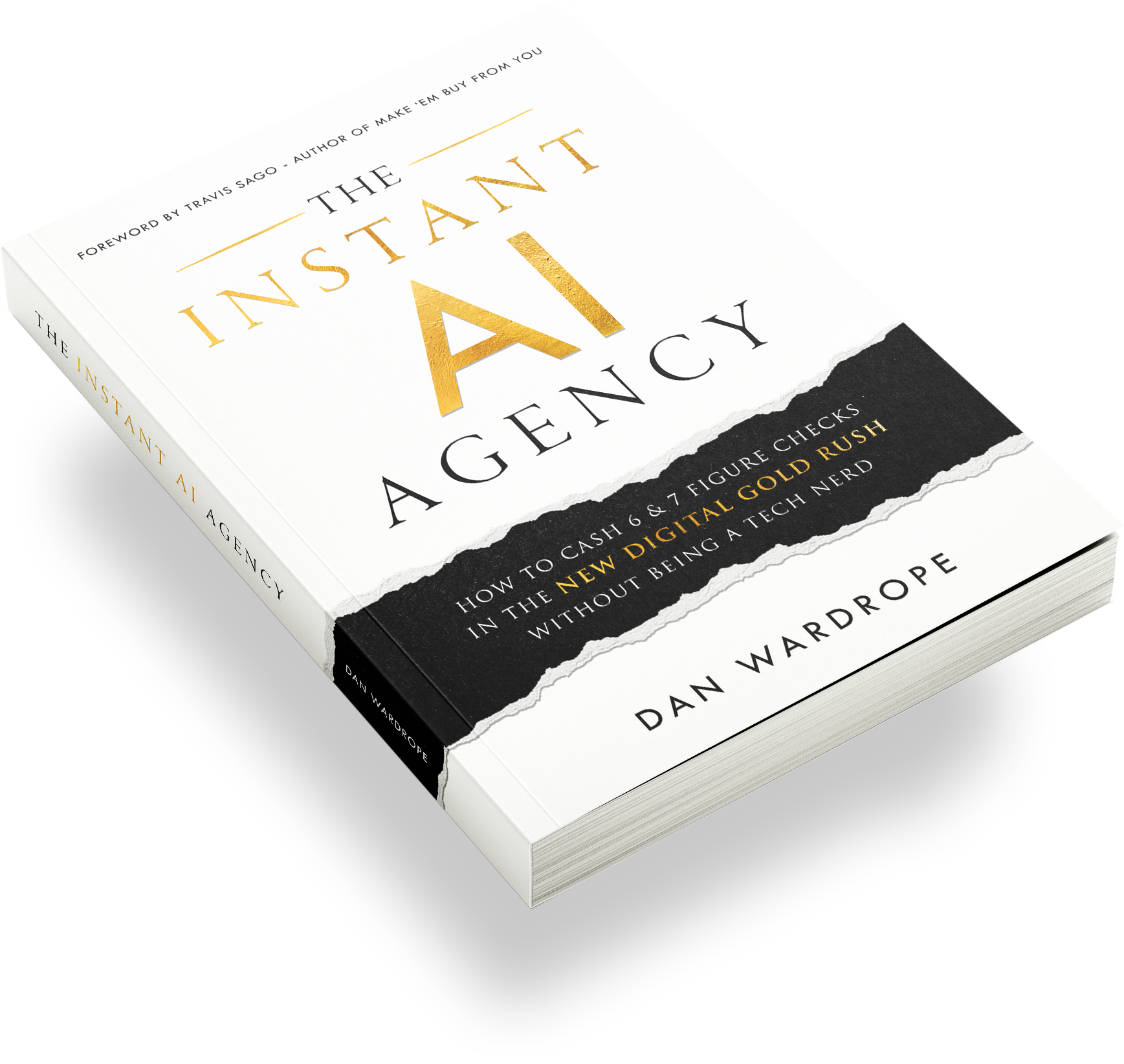
For anyone who wants a fully built system rather than piecing one together manually, The Instant AI Agency packages these integrations, including GoHighLevel and n8n connections, into a ready to sell offer, which can save weeks of trial and error if you are trying to get to your first paying client fast.
Common Questions About Connecting GoHighLevel and n8n
Does this method work with tools other than n8n?
Yes. The OAuth 2.0 app creation process inside GoHighLevel’s marketplace is the same regardless of which external tool you are connecting. The only steps that change are where you paste the Client ID, Client Secret, and redirect URL inside the third party platform.
Why does GoHighLevel say my app is unverified?
Private, white labeled apps built for internal use are not submitted for GoHighLevel’s public marketplace verification, so this warning will always appear. It does not affect functionality.
How many scopes should I select?
Only select the scopes your specific workflow actually needs. Over-scoping increases security risk without adding functional value, and GoHighLevel’s own API v2 documentation recommends the principle of least privilege for exactly this reason.
Can I reuse one app across multiple client sub accounts?
Yes, as long as you set “who can install the app” to allow multiple sub accounts during setup. You will still need to complete the connection flow separately for each sub account inside n8n.
Conclusion
Connecting GoHighLevel to n8n through OAuth 2.0 is one of those tasks that looks intimidating from the outside but is genuinely straightforward once you have done it once. The real value is not the connection itself, it is everything you can build on top of it, from automated CRM syncs to full conversational AI agents that qualify leads while you sleep. If you want more hands on help troubleshooting your own GoHighLevel and n8n workflows, our free community, the AI Automation Agency Ninjas, is full of people solving exactly these kinds of integration problems every day.
What part of your GoHighLevel and n8n setup has given you the most trouble, and what would you like us to cover next?