Most people try to sell AI to local businesses with promises, jargon, and screenshots. Then they wonder why prospects nod politely and disappear. However, we have found a better way: build a tiny live demo around a real revenue problem, let the client watch it work on their own business, and turn confusion into an easy yes. In this guide, we will walk you through exactly how to sell AI to local businesses using this method, including a short demo video approach that can open the door to bigger AI retainers later.
Why Live Demos Beat Explanations
If you want to sell AI to local businesses, the fastest route is not explaining what your tool does. Instead, it is showing what the result looks like when the tool is pointed at a problem your prospect already cares about.
This matters because the upside is real. McKinsey estimates generative AI could raise marketing productivity by 5% to 15%, which gives you a strong business case when you position AI around revenue, speed, and follow up instead of novelty.
It also matters because most sales are not won on the first touch. HubSpot’s sales statistics roundup reports that 80% of successful sales take five or more follow up calls, which is exactly why an automated follow up and reactivation offer works so well when you sell AI to local businesses.
Additionally, once you start fulfilling, the economics improve again. HubSpot notes that sales automation helps teams close deals faster while improving productivity, which supports the bigger promise behind this kind of service.
The Core Lesson: Demo AI, Don't Sell It
The big idea behind selling AI to local businesses successfully is simple: do not sell AI, demo AI.
Rather than pitching abstract benefits, we build a quick demo for a local business, usually around one profitable offer, one channel, and one list of old leads or old customers. For example, in a recent training video, the demo was built for a high end chocolate brand using an AI SMS agent to reactivate previous buyers with a seasonal offer.
This approach works because you are showing the prospect something they can immediately imagine using. They can see the tone, the questions, the flow, the offer, and the likely path to a sale. As a result, this is far easier to buy than “AI automation” as a vague category.
The Best Beginner Offer When You Sell AI to Local Businesses
If you want to make money with AI without guesswork, database reactivation is one of the smartest places to start.
Why? Because you are not asking the client to gamble on cold traffic, a brand new funnel, or a full system rebuild. Instead, you are helping them monetize attention and intent they have already paid for. Old leads and old buyers are often the lowest friction source of hidden revenue.
We like this offer because it also creates a natural ladder. First, you reactivate old leads. Then, once trust is built, you can expand into speed to lead, voice AI, reputation management, inbound qualification, and wider CRM automation.
For a practical business model angle, our published post The Pay Per Lead Model vs Retainer Contracts is useful if you are deciding how to structure your offer.
How to Build the Demo Step by Step
Step 1: Pick One Revenue Angle
Do not start by offering “AI for everything.” Instead, start with one outcome that is easy to understand.
Good examples include:
Reactivating old leads
Reactivating previous buyers
Following up inbound enquiries faster
Recovering missed opportunities from abandoned conversations
For instance, one clear angle is selling more luxury gift boxes to previous customers through AI SMS follow up.
Step 2: Use the Client’s Website to Shape the Offer
Next, pull the website, identify the best selling or easiest to explain product, and build the demo around that. This makes the experience feel custom, not generic.
Your goal is not perfection. Rather, your goal is believability. You want the client to feel, “This already sounds like my business.”
Step 3: Give the AI a Human Role
Naming the AI agent, such as calling it “Sarah,” makes a real difference.
When the AI sounds like a real team member, the client can instantly picture how it would fit inside day to day sales operations. Consequently, the customer experience also feels more natural because the messages resemble a normal business follow up instead of robotic automation.
Step 4: Keep the Conversation Simple
You do not need a huge branching logic tree to make the sale. Instead, you need:
A clear opening message
A relevant offer
A few qualification questions
A next step, such as a checkout link, booking link, or reply prompt
This is where many people overcomplicate the build. During the demo call, sophistication is not the main selling point. Clarity is.
Step 5: Test It Before the Call
Before you jump on Zoom or Google Meet, run through the demo yourself. You want to check message flow, tone, and any obvious break points.
This protects your authority and helps you present the tool calmly. Ultimately, when you are not worried about the mechanics, you can focus on the commercial outcome.
How to Run the Live Client Demo
The client demo should feel collaborative, not pushy. Therefore, we recommend a structure like this:
Open with the problem: “You already have people who know your brand, but most businesses never systematically follow them up.”
Show the asset: “We built a quick AI follow up demo around your offer.”
Run the simulation live: “Let’s pretend I am one of your previous customers.”
Let the client see the replies, qualification questions, and purchase path.
Close on the opportunity: “This is what we can launch against your old database.”
As a result, that is a far easier conversation than trying to convince someone to buy a broad AI retainer from scratch.
Unique Strategies Most People Miss When They Sell AI to Local Businesses
Most content in this space talks about tools. Very few talk about positioning. Below are the tactics that usually make the difference.
Sell the Money, Not the Mechanism
Clients do not wake up wanting an AI agent. Instead, they want more booked calls, more sales, faster follow up, and fewer leads going cold.
So, we lead with a money problem first. AI is the delivery vehicle, not the headline benefit.
Use a Warm Database Before Chasing Cold Leads
This is one of the most overlooked advantages of the whole model. Because warm contacts already know the business, trust is higher and friction is lower.
That is also why this offer makes such a strong foot in the door. You can produce a quick win before you introduce more advanced services.
Build Your Offer Around Distribution, Not Just Conversation
The AI demo is the exciting part, but fulfillment still matters just as much. Our post How to Deliver Leads With The Pay Per Lead Model highlights practical delivery methods such as email, Google Sheets, and webhook or API connections into a client CRM.
This matters because once the client says yes, they will want to know how the leads, replies, or conversions are actually passed back into their system.
Price From Business Value, Not Guesswork
If you are unsure what to charge when you sell AI to local businesses, our post A Quick Way To Calculate How Much To Charge Per Lead suggests a simple approach: start with average order value, divide by 3, then apply a 5% conversion rate to estimate a workable lead price.
That framework is especially useful when you are selling a reactivation offer to businesses with clear product value and historical customer data.
Ask Better Client Questions Before You Build
Not every prospect is ready, and not every database is worth reactivating. That said, our post What To Ask Your Pay Per Lead Client Before Getting Started is worth reading before you promise outcomes.
The better your questions, the better your demo. And the better your demo, the easier the close.
Remember That Pages and Funnels Still Matter
If your offer later expands into lead capture or conversion assets, our guide What is a Lead Generation Website? A PPC Agency Guide is a useful companion. It distinguishes brochure sites from lead generation sites and highlights core elements such as calls to action, conversion forms, informative content, a clear value message, and analytics.
This is important because AI follow up works best when the lead source and the conversion path are also strong.
From Demo to Fulfillment in GoHighLevel
Once the client likes the demo, the next job is simple: get the workflow live and load the data.
First, build the prompt. Then, move it into GoHighLevel. Next, clean the CSV of old customers or leads, import the list, and start the campaign. For many clients, that is enough to create the first win.
This is where the offer becomes powerful. Instead of selling theory, you are connecting a visible demo to a live system the client can measure.
Tools and Resources to Replicate This
If you want to replicate the same workflow used to sell AI to local businesses, use these resources at the right stage:
-
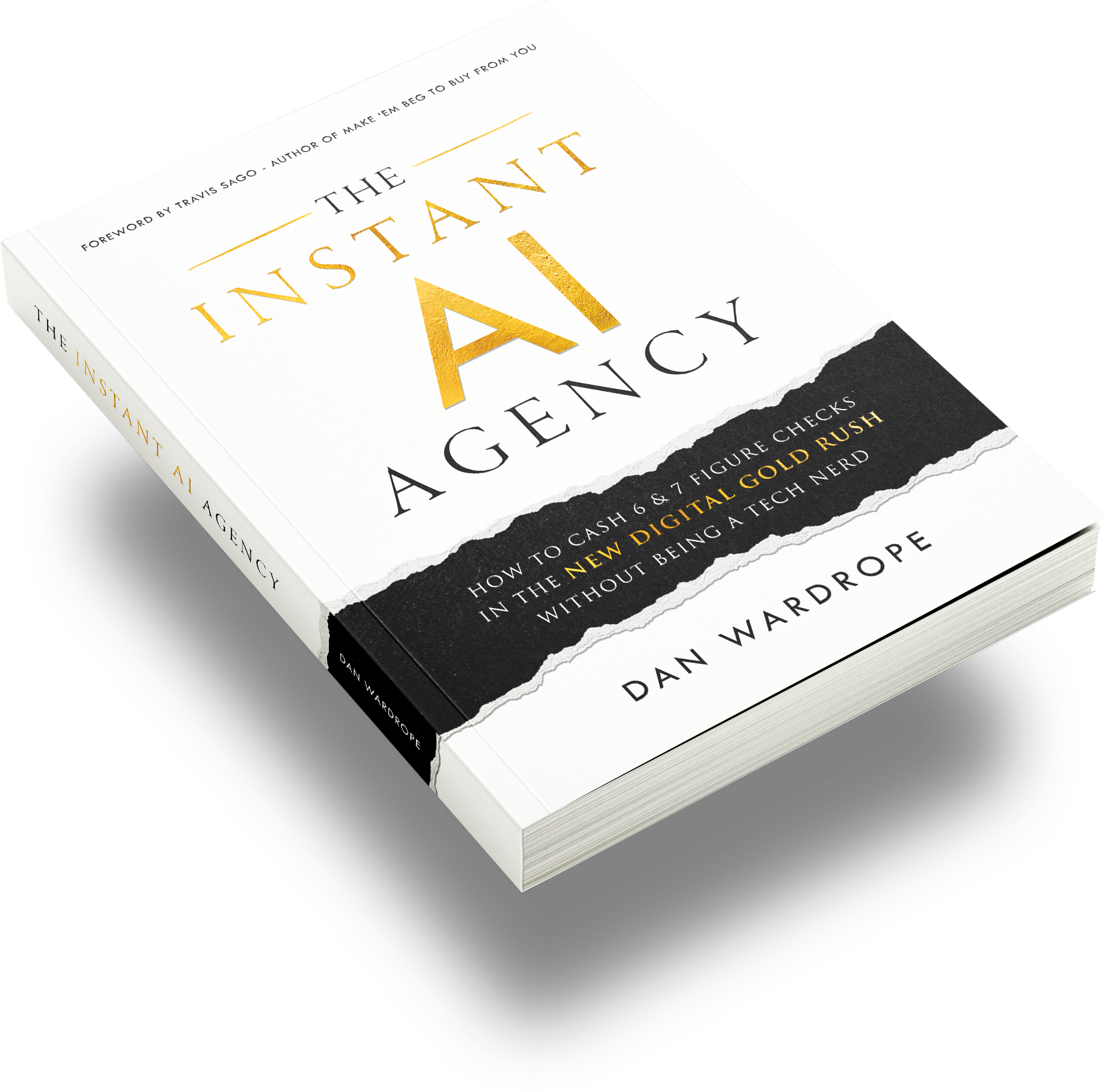
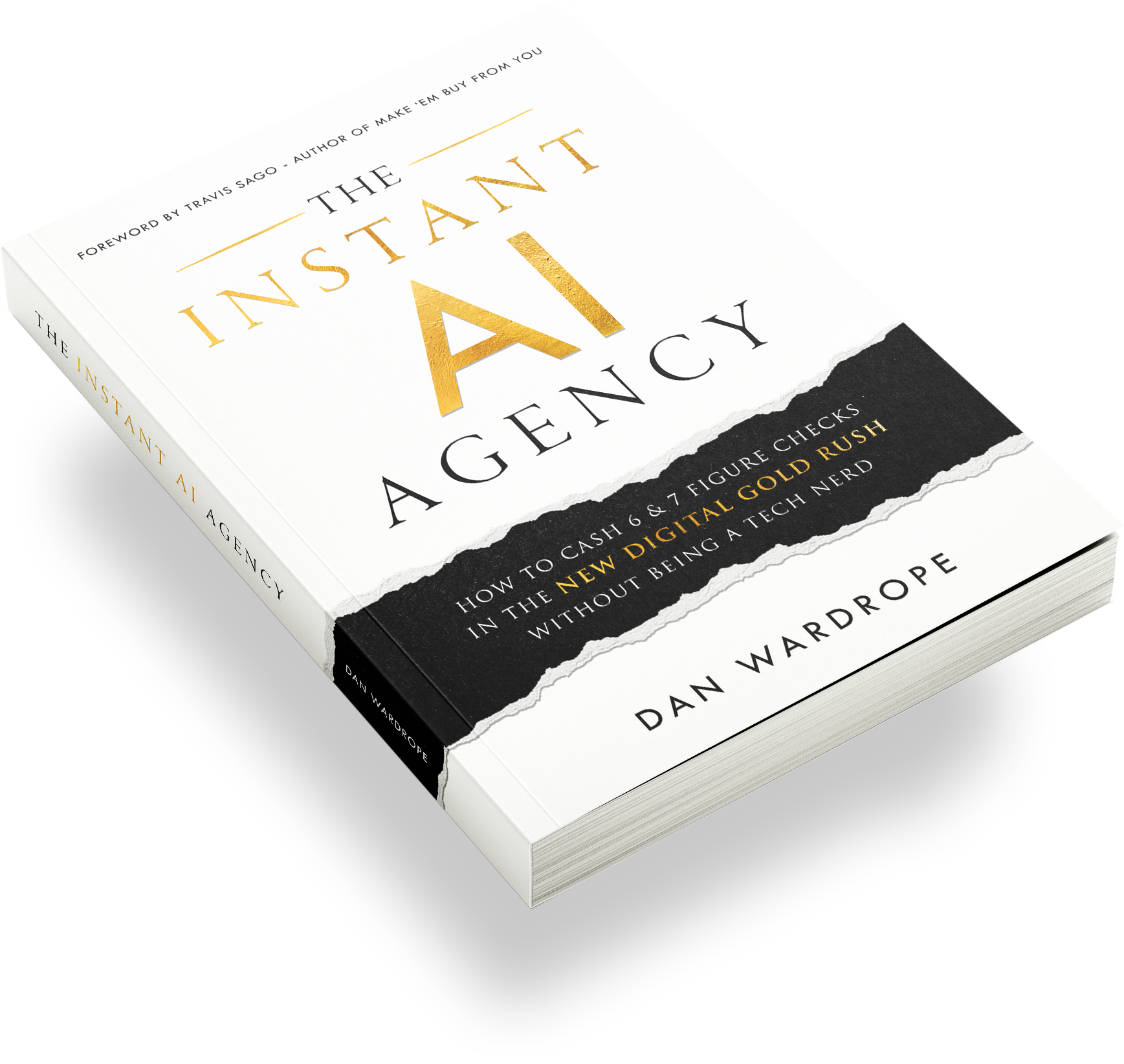
For the book and broader business model, start with The Instant AI Agency.
-
For the demo tool itself, use Sales Wingman Lite.
-
If you want the full version, including how to get it free, check this Sales Wingman replay and access page.
FAQs
Is database reactivation a good offer when you sell AI to local businesses?
Yes, because it is easy to explain, easy to demo, and tied to a clear commercial outcome. You are helping a business monetize people already in its world, which usually makes the sale simpler than pitching a broad AI transformation project.
What makes a live demo convert better than a pitch?
A demo removes abstraction. Once the client sees a realistic conversation, product offer, and next step mapped to their own business, they stop imagining the value and start reacting to it.
Do we need a complicated AI build to close the client?
No. In most cases, a focused proof of concept wins faster than a massive build. A simple SMS or WhatsApp flow with a believable tone, a few qualification questions, and a clear call to action is often enough to get the deal moving.
Conclusion
If you want to sell AI to local businesses, we believe this is one of the cleanest ways to do it: pick one money problem, build one believable demo, show it live, and turn the conversation from “What is AI?” into “How quickly can we launch this?”
This approach is commercially sound because the broader market already rewards faster follow up and smarter automation. HubSpot points to faster deal closes from sales automation, and McKinsey estimates generative AI can lift marketing productivity by 5% to 15%.
If you want a faster route into the business model behind this kind of offer, The Instant AI Agency is a useful next step.
What kind of local business would you build this demo for first?