You want to connect GoHighLevel to n8n with webhooks, but the last time you tried, n8n threw back a JSON error with zero explanation. We have watched dozens of automation consultants lose an afternoon to this exact problem.
This guide fixes that. You will learn the real difference between a catch hook and a webhook. You will generate a Private Integration Token (PIT) in GoHighLevel. You will send dynamic contact data between two CRMs without guesswork. This is the same framework we run inside Flexxable’s own automation systems. It works whether you run a Pay Per Lead business or reactivate a dormant database with Sales Wingman.
By the end of this post, you will know how to connect GoHighLevel to n8n with webhooks and publish the automation live. Watch the video below for the full walkthrough, then use this guide as your written reference.
What Is The Difference Between A Catch Hook And A Webhook In n8n?
A catch hook receives data into n8n from an outside source like GoHighLevel. A webhook sends data out from n8n to a destination, using the HTTP Request node. Think of the catch hook as your inbox and the webhook as your outbox.
Inside GoHighLevel, a lead can trigger a workflow the moment they fill out a form or get tagged. That workflow fires a catch hook. n8n listens on a unique URL and grabs every field on that contact record. It holds that data in memory so you can reuse it anywhere else in your automation.
The webhook side works in reverse. You build an HTTP Request node inside n8n. You point it at another system’s API endpoint. You push data out using a POST method.
This distinction trips up most beginners. They try to use one node type for both jobs. Get this right first. Everything downstream, from lead routing to database reactivation, becomes far easier to troubleshoot once you do.
How Do You Create A Catch Hook In n8n?
Setting up a catch hook takes under five minutes. You only need to get three settings right: the method, the path, and the URL type. Here is the exact sequence we use with every new GoHighLevel sub-account.
Step 1: Add A Webhook Node
Add a Webhook node in n8n. Change the method from GET to POST, since GoHighLevel sends data using POST requests.
Step 2: Rename The Path And Copy The Test URL
Give the path a clear name, like “testn8n,” so you can find it fast inside a busy workflow list. Then copy the test URL, not the production URL. n8n gives you two separate URLs. Always build and test using the test URL first. It needs no authentication and responds immediately.
Step 3: Build A Matching Workflow In GoHighLevel
Go to Automation inside GoHighLevel and build a new workflow. Set the action to a webhook. Paste in the n8n test URL you just copied, then publish the workflow.
Step 4: Create A Test Contact
Add a name, a test email, and a fake number so you have real data to push through. Save the contact once the fields are filled in.
Step 5: Listen For The Test Event
Click “Listen for test event” in n8n before you trigger the contact. This step gets skipped constantly. n8n only captures incoming data while it actively listens. If you add the contact to the workflow before pressing listen, nothing will show up.
Step 6: Trigger The Contact And Confirm The Data Arrives
Add the test contact into your GoHighLevel workflow. If your catch hook works, n8n will display every field from that contact almost instantly.
Once the data appears, pin it. Pinning locks the sample data in place so a page refresh does not wipe it out. This saves you from repeating the test step every time you build the rest of the automation.
How Do You Get A GoHighLevel Private Integration Token (PIT)?
A Private Integration Token is GoHighLevel’s current name for an API key. You need one to authorise any outgoing webhook request. Without it, GoHighLevel rejects every POST request, no matter how correctly you format the JSON.
Navigate to the sub-account you are sending data to. Go to Settings, then Private Integrations. Create a new integration and give it a clear name. GoHighLevel will ask you to select scopes. For testing, you can select all of them. In a live client account, only grant the specific permissions the integration actually needs.
Copy the token immediately once it generates, since GoHighLevel will not show it again in full. Paste it into your Authorization header with the word “Bearer” and a single space in front of it. A missing space here is one of the most common reasons a working webhook suddenly stops authenticating.
If you want to skip PIT tokens and use OAuth 2.0 instead for a more scalable multi-account setup, we cover that full process in our GoHighLevel OAuth 2.0 n8n integration guide.
How Do You Build The Webhook To Send Data Out With The HTTP Request Node?
The HTTP Request node is where n8n sends data out. It needs four things configured correctly: the method, the posting URL, the headers, and the JSON body. Get any one of these wrong and you will see an error instead of a new contact.
Set The Method And Posting URL
Set the method to POST. Paste in the correct posting URL from your CRM’s API documentation. Every CRM, whether that is GoHighLevel, Salesforce, or Lead Prosper, publishes its own posting doc with the exact endpoint and required fields.
Build The Four Required Headers
Add these four headers to authorise and format your request:
Authorization, set to Bearer followed by your PIT token.
Version, set to the API version string required by GoHighLevel’s documentation.
Content-Type, set to application/json.
Map The JSON Body
Switch the body type to JSON. Paste in the raw JSON structure from the posting doc. Replace the placeholder location ID with your destination sub-account’s real location ID. You find that ID under Settings, then Business Profile.
Map dynamic fields, like first name, last name, email, and phone, from the catch hook’s stored data. Place expressions between the quotation marks. Static fields, like a fixed lead source label, stay the same for every contact that passes through.
Why Does n8n Say "Not Valid JSON" When Sending A Webhook?
This error almost always means a leftover comma, bracket, or unused field sits in your JSON body after you deleted a custom field. n8n is strict about JSON syntax. A single trailing comma breaks the entire request even when the rest of the structure looks fine.
Scroll through the raw JSON body line by line. Remove any field you are not using, including its surrounding punctuation. Press “Execute step” again once you finish. If the contact appears in the destination GoHighLevel sub-account with the correct first name, last name, email, phone, and source label, your webhook works end to end.
How Do You Publish A Webhook From Test To Production In n8n?
Copy the production URL from the same Webhook node once your test URL confirms the data flow is accurate. Swap it into your GoHighLevel workflow before you publish live. The production URL runs automatically once the workflow is active on both ends, so you no longer need to click “listen” every time.
Delete your test contact from the destination account before going live. Republish both the GoHighLevel automation and the n8n workflow to confirm everything saves correctly. Then run one final live test. Add a genuine contact through the trigger workflow and check the n8n execution log. A “succeeded” status confirms the automation is production ready.
How Can You Use n8n Webhooks Inside An AI Automation Agency Business Model?
Webhooks and catch hooks connect your systems without the per-task cost of Zapier. That makes them essential once you decide to connect GoHighLevel to n8n with webhooks for a Pay Per Lead agency. Once you can reliably pass contact data between CRMs, you unlock far more valuable use cases. AI agents can pull old leads for reactivation. New leads can route instantly to a client’s sales team.
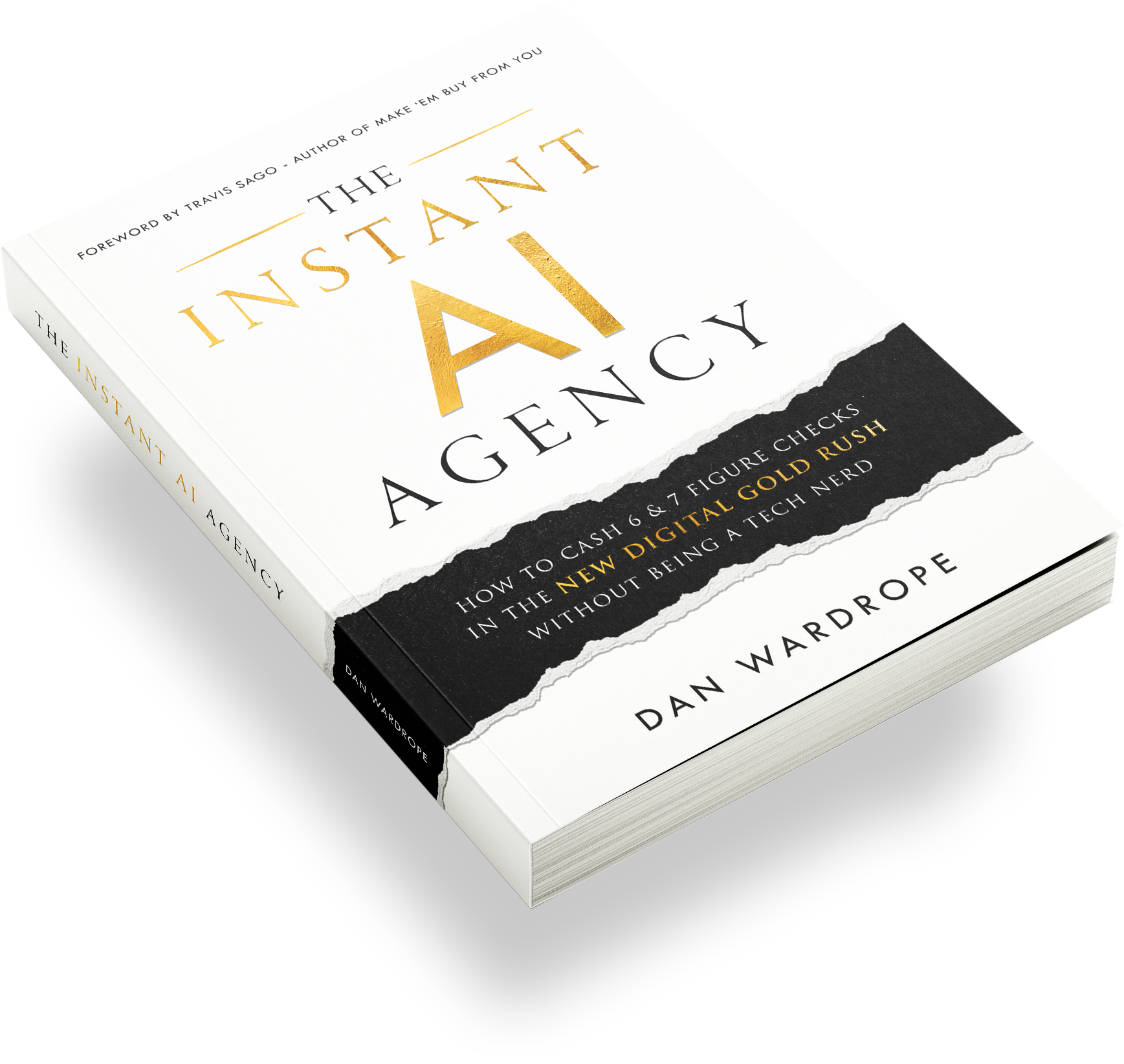
We teach this exact foundational skill inside The Instant AI Agency. It is our step-by-step framework for building a one-person AI agency using tools like n8n and GoHighLevel without a technical background. If you are still deciding how a Pay Per Lead model fits your pricing structure, our guide on how the Pay Per Lead model works live breaks down real numbers.
How Does This Compare To Zapier For Agency Automation?
n8n is free when you self-host it on your own server. That makes it far cheaper than Zapier once you run more than a handful of workflows across multiple clients. Zapier charges per task, so an agency moving thousands of leads a month racks up a large recurring bill for something n8n handles at server-hosting cost alone.
We compare the two platforms in full detail in our dedicated n8n vs Zapier guide. This covers ease of use, pricing tiers, and scalability limits. If you want to build GoHighLevel workflows more broadly rather than just webhooks, read our ultimate guide to GoHighLevel workflows next.
FAQ: Connect GoHighLevel To n8n With Webhooks
What is the difference between a webhook and a catch hook in n8n?
A catch hook receives incoming data into n8n from a source like GoHighLevel. A webhook, built with the HTTP Request node, sends data out to a destination system. Most automations that connect GoHighLevel to n8n with webhooks use both node types in the same workflow.
How do I get my GoHighLevel Private Integration Token (PIT)?
Go to your sub-account’s Settings, then Private Integrations, then create a new integration and select the scopes you need. Copy the generated token immediately, since GoHighLevel only shows it in full once. Paste it into your Authorization header as “Bearer” plus your token.
Why is my n8n webhook returning “not valid JSON”?
This error is usually caused by a leftover comma or unused field left in the raw JSON body after editing it. Remove any field you deleted along with its surrounding punctuation, then re-execute the step.
Can I use this same n8n webhook setup with CRMs other than GoHighLevel?
Yes, the same catch hook and webhook structure works with Salesforce, Lead Prosper, or any CRM with a documented API. You just need that CRM’s specific posting doc to swap in the correct field names and endpoint.
Is n8n really free compared to Zapier for agency automation?
n8n is free to use when you self-host it on your own server, which costs far less than Zapier’s per-task pricing at scale. This makes it a popular choice for agencies that run high lead volumes across multiple GoHighLevel sub-accounts.
How do I charge clients for setting up GoHighLevel and n8n automations like this?
Most agencies charge a flat setup fee, a monthly retainer, or a performance-based fee tied to leads delivered through the automation. We break down specific pricing frameworks, including per-appointment and profit-share models, in our guide on how to charge clients for AI automation services.
What should I do if my GoHighLevel workflow test isn’t triggering the catch hook?
Check that you clicked “Listen for test event” in n8n before adding or re-adding the contact to the GoHighLevel workflow, since n8n only captures data while it actively listens on the test URL. If it still fails, confirm the GoHighLevel workflow is published and set to POST, not GET.
Do I need to worry about A2P verification when sending contact data through these webhooks?
A2P verification governs SMS sending compliance, not the webhook connection itself. If your automation triggers outbound texts after the contact lands in GoHighLevel, your sub-account needs A2P verification first. Skipping this step is a common reason SMS automations fail even when the webhook data transfer works perfectly.
Conclusion
You now know how to connect GoHighLevel to n8n with webhooks in a way that is free, reliable, and repeatable across client accounts. Once you understand the difference between a catch hook and a webhook, generate your Private Integration Token correctly, and clean up your JSON body before publishing, this setup becomes routine.
We use this exact framework across our own automation systems at Flexxable. It scales directly into services like database reactivation and Pay Per Lead delivery once you get comfortable with it.
What is the easiest way to connect GoHighLevel to n8n with webhooks in 2026?