If you’ve ever wondered what it looks like when a voice AI agent for a mortgage broker answers, qualifies, and transfers a live call, you’re about to find out. In this post, we’re walking you through the full, real-world process of building one from scratch. No theory. No fluff. Just a step-by-step breakdown of exactly how we did it in under 40 minutes, using tools any agency owner or GoHighLevel user can access today.
We’ll cover everything from choosing the right voice model, to importing your agent into GoHighLevel, to stress testing it with angry callers, to watching it transfer a live call in real time. And if you’re thinking about turning this into a business, we’ll show you how to use voice AI as a powerful foot-in-the-door offer that gets businesses saying yes before you’ve even mentioned the word “agency.”
Why Voice AI Is a Game-Changer Right Now
The business world is moving fast, and AI is moving even faster. Voice AI is no longer a concept from a science fiction film. It’s being deployed right now in industries like mortgage broking, insurance, real estate, and more. An AI receptionist that can answer inbound calls around the clock, qualify prospects with intelligent questions, and transfer ready buyers directly to a licensed advisor is genuinely one of the most compelling things you can show a business owner is a voice AI agent for a mortgage broker in action.
The opportunity is huge. According to industry analysts, AI-driven automation in financial services is projected to save the sector billions in operational costs in the coming years, and mortgage brokers specifically are sitting on a goldmine of inbound calls that are either missed, handled slowly, or lost to competitors. Voice AI solves all three of those problems simultaneously.
If you want to understand how we sell AI to businesses and keep up to 50% of the profits, watch this video next — it’ll give you full context on the business model before we dive into the build.
What You'll Need Before You Start
Before you build your voice AI agent, make sure you’ve got the following in place:
Sales Wingman — This is the voice AI build and management platform we use. It handles the agent creation, prompt engineering, persona testing, and version control all in one place
GoHighLevel (GHL) — Your CRM and automation hub. All call summaries, contact records, and lead actions feed directly into GHL
Twilio — You’ll need a dedicated Twilio phone number for call routing. It takes about 10 minutes to buy and roughly 2 hours to get approved. This number is what your client will forward their inbound calls to
A voice model — We recommend either a cloned voice (more realistic for live campaigns) or Cartesia, which gives you access to 600+ premium voices. Hume AI is excellent for demos if you don’t have a cloned voice yet, though it can occasionally have off days
We also recommend setting up free accounts with Cartesia, ElevenLabs, or Zoom beforehand, purely to browse their voice libraries more easily before selecting a voice inside Sales Wingman.
Step 1: Build Your Voice AI Agent for a Mortgage Broker in Sales Wingman
The first thing you do is build a demo, not the finished product. This might seem back-to-front, but it makes perfect sense once you understand the workflow. Your journey typically starts with demoing the AI to a client first. Once they’re happy, you take that foundation and build it into a full live campaign.
Here’s how:
Open Sales Wingman and go to Build the Voice AI
Enter the client’s website URL, company name, and give the AI a name
Select the country (e.g., United Kingdom)
Choose your voice model — we used Cartesia with a cloned voice for this build
Select whether this is inbound or outbound (for a live mortgage client, you’d always select inbound)
Enter the campaign focus — in this case, remortgage enquiries
One important note: don’t worry too much about which objective you select at the demo stage. The three options are AI books a callback, AI transfers to staff, or AI closes the sale. You can switch between them with a single click when you import the agent into GoHighLevel — no re-engineering of the entire prompt required.
Step 2: Import the Agent into GoHighLevel
Once your demo is built, it’s time to get it into GoHighLevel. Sales Wingman walks you through a checklist before you import:
You have at least one demo saved
You have a Twilio phone number purchased and linked
You have call credits available
You have a snapshot ready in GHL (required for outbound; optional for inbound)
From there, you select the voice AI agent you want to use, choose or upload your voice, connect your GoHighLevel account via access token and location ID, and set up your call transfer action. When setting up the transfer number, name the recipient properly — something like “Jamie in sales” — because the AI reads that label out loud to the prospect before connecting them.
If you need guidance on GoHighLevel workflows and how automation logic connects inside the platform, our GoHighLevel workflows guide is a solid place to start.
Step 3: Configure Your AI's Actions and Objectives
Inside the import flow, you’ll set the available actions for your AI. Two are always active by default: the ability to end a call, and the ability to provide a call summary (which is automatically added to the contact’s notes in GoHighLevel, incredibly useful).
The third action is where the magic happens for mortgage brokers. For this build, we selected transfer to staff. You simply enter the phone number of the mortgage advisor or sales team, and when a prospect qualifies, the AI says something like: “From what you’ve said, you’re looking to remortgage and see if we can get you a better deal. Shall I connect you to the team right now to get this moving?” Then it transfers the call live.
A smart tip: add multiple transfer numbers if needed. If the first person doesn’t answer, the AI moves to the next. And if all transfers fail, you can set a fallback so the AI books a callback appointment rather than leaving the prospect hanging.
Step 4: Spend Serious Time on the Prompt Flow
The section where most people underinvest their time is the prompt flow. Inside the GoHighLevel integration, you’ll see the full AI prompt with several sections. Jamie’s advice — and ours — is to focus almost entirely on two areas:
The flow — This is where you define what questions the AI asks during the call. For a mortgage broker, that might include: “Are you looking to lower your monthly payments, or are you more interested in releasing some cash?”
The call to action — This is the trigger phrase the AI uses when a prospect qualifies, prompting the transfer
Everything else, including context, rules, and introduction, is mostly generated for you and can be refined later. The beauty of the system is that you can highlight any part of the prompt, right-click, and ask the AI to improve it for you. It reviews, suggests edits, and rewrites in seconds.
Step 5: Iterate Using Version Control
Here’s something most AI tools don’t offer out of the box: version control for your voice AI prompts. Every time you save a change, a new version is created. You can A/B test different prompt versions, see how each one performs, and roll back to a previous version if you don’t like the results.
In our own live campaigns, we’ve iterated up to version 15 before landing on something we’re truly happy with. That’s not a bad thing; it’s a sign you’re doing it right. Think of it like running a database reactivation campaign: you’re glued to the results, watching each iteration improve performance in real time.
For more on how we use GoHighLevel to manage and API client lead data efficiently, this guide on API-ing leads into HighLevel is worth a read.
Step 6: Stress Test Before Going Live
Before you send anything to a client, you need to stress test the AI. Sales Wingman includes a persona simulation feature where you can simulate three types of callers:
An eager buyer (ready to qualify and transfer immediately)
A neutral caller (has questions or mild objections)
An angry or resistant caller (needs to be handled gracefully, and in some cases the call should end)
You can watch in real time as the AI navigates each scenario, confirm that transfers are triggering correctly, and check that the AI terminates calls appropriately when needed.
There’s also a Google Call Screen test built in. One test is designed to fail by default — that’s intentional, so you can confirm the testing itself is working. The AI is trained to respond to Google’s call screening in a way that makes it sound like a connection issue, giving the prospect a reason to actually pick up.
Step 7: Set Up Call Forwarding for Your Client
Once you’re happy with the agent, the final step is telling your client how to forward their inbound calls to your Twilio number. It’s simpler than it sounds:
Your client has an existing phone number
They create a forwarding rule that redirects incoming calls to your Twilio number
All calls are then answered by the AI
Qualified prospects are transferred directly to their sales team
We recommend creating a templated email that clients can forward to their tech team with the exact instructions. Keep it simple. Most businesses, especially larger ones with multiple salespeople, already have a central phone number that routes to available staff. You just need to know that one number.
It’s worth noting: you cannot use a GoHighLevel phone number for this. You need the Twilio number specifically. No A2P registration is required for voice, which keeps the setup straightforward.
The Live Demo: Watch the Mortgage Broker Voice AI Agent in Action
During our community call, we ran a live test. Jamie triggered the AI to call Dan. Here’s a condensed version of how that call went:
AI: “Right, brilliant. It’s Tara calling from L&C Mortgages. You popped an enquiry in about your mortgage, yeah? Have I caught you at an okay time for a quick chat?”
Dan: “Yeah, let’s chat.”
AI: “Lovely. So what’s the main thing you’re trying to sort with the remortgage — are you looking to lower your monthly payments, or is it more about releasing some cash?”
Dan: “Can you transfer me to a real human, please?”
AI: “Of course. To confirm, you’d like me to put you through to the specialist team now, yeah?”
Dan: “Yes please.”
AI: “One moment…”
And just like that — a live transfer. No script. No human on the other end until the prospect qualified. That’s voice AI working exactly as intended.
How to Use Voice AI as a Business Offer
If you’re an agency owner or thinking about becoming one, here’s the key insight: don’t lead with voice AI. Lead with results.
The offer that works is this: approach a business owner and say, “Do you have any old leads we can turn into sales using AI and SMS? We do this on a performance basis. If you don’t get paid, we don’t get paid.” No business owner in the world says no to that. You get a quick result, you earn their trust, and then you introduce voice AI as the natural next step.
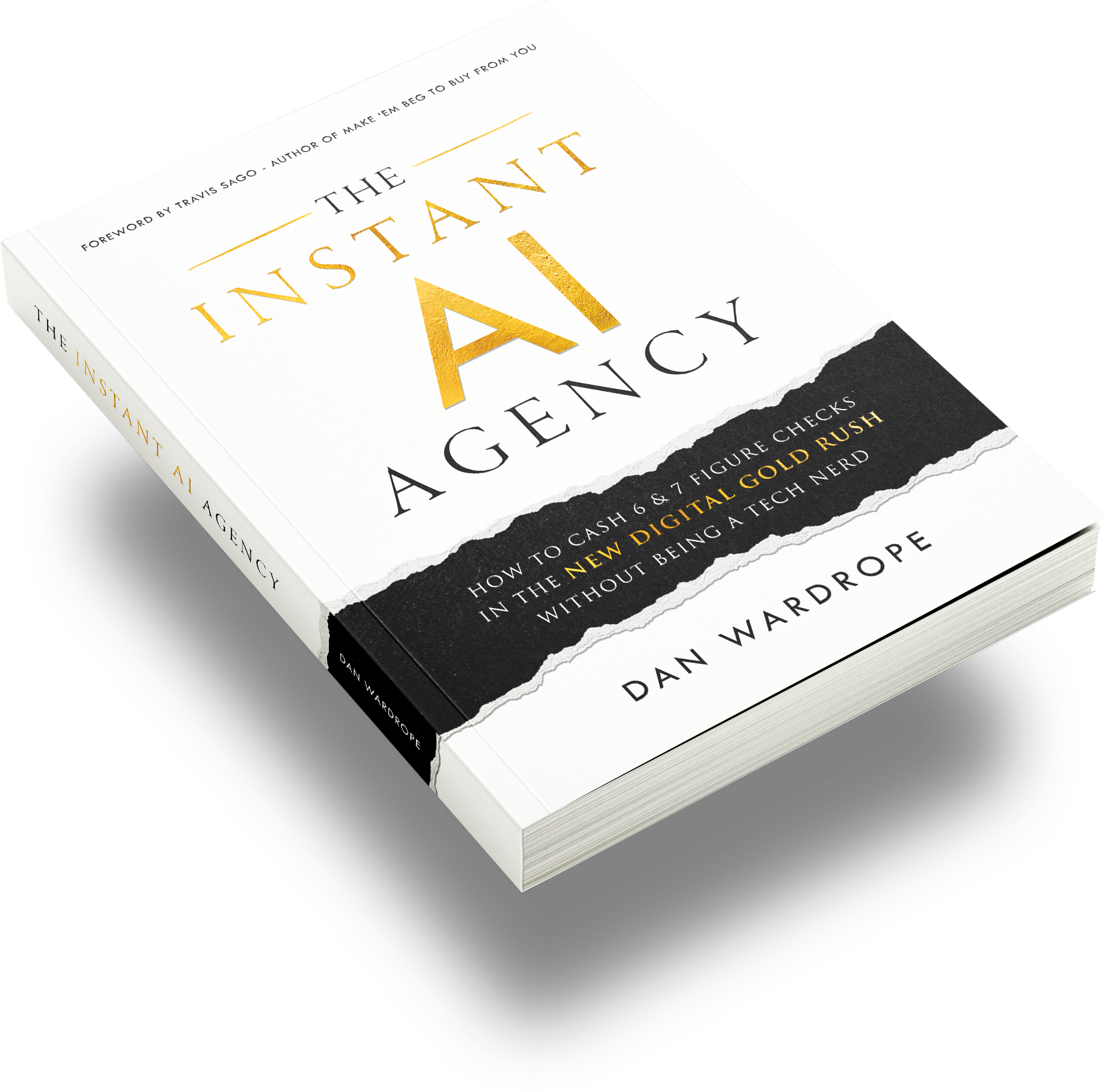
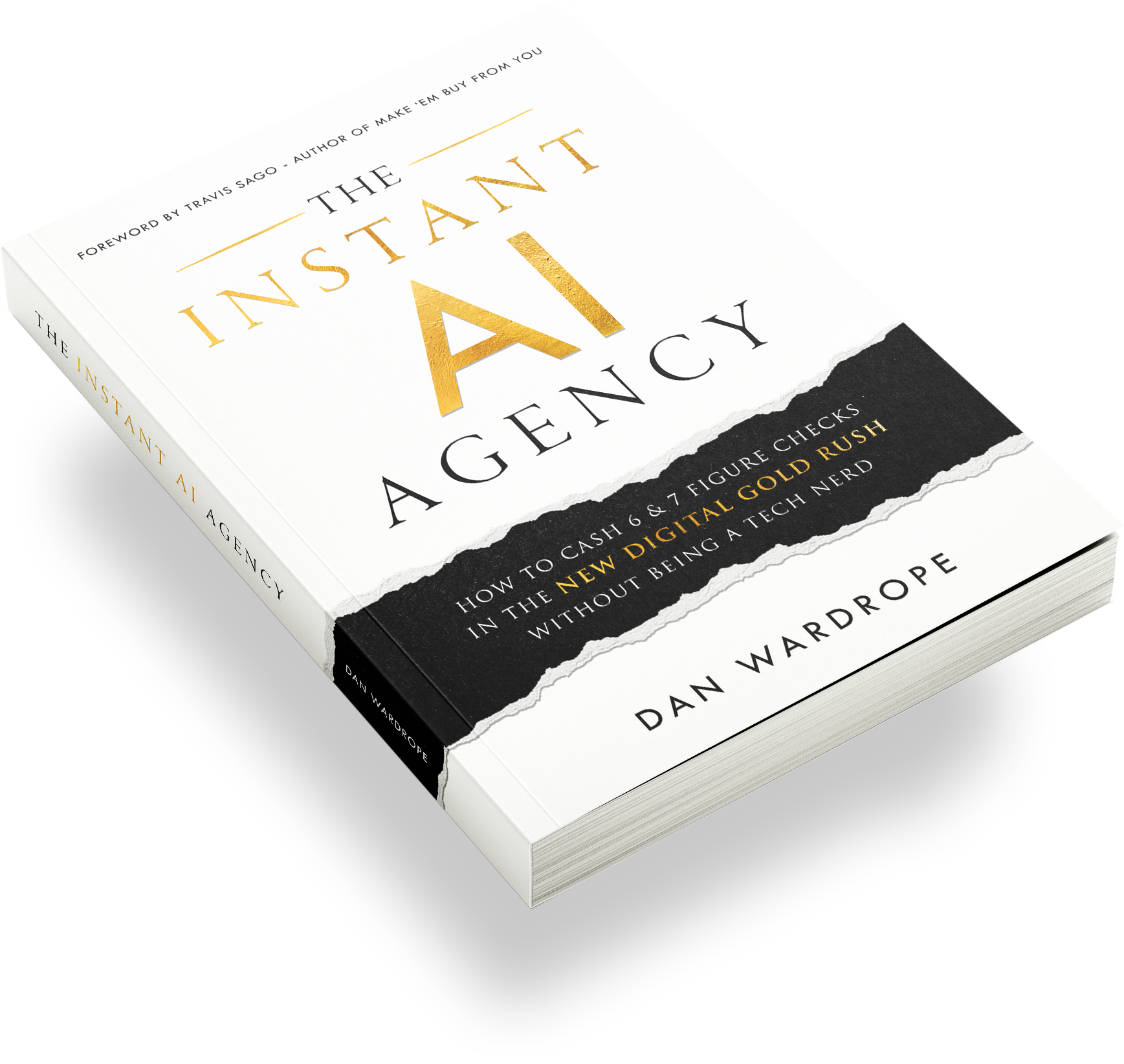
This is the foundation of how we operate. For a ready-made system to start doing this yourself, The Instant AI Agency gives you everything you need to get in front of businesses, deliver results, and build recurring income from AI services.
For more on how we use AI tools across different niches and deliver white-label results for clients, this overview of white-label AI services is worth your time.
Scalability: How Many Calls Can It Handle?
A question we get asked constantly: how many simultaneous calls can one voice AI agent handle? Theoretically, the system is infinitely scalable. In practice, you may need to contact Twilio to increase what’s called concurrency limits, which refers to the number of simultaneous connections allowed on a single number. For most clients starting out, you’ll never hit that limit. But if you land a high-volume client with a busy call centre, a quick email to Twilio support is all it takes.
We’ve already seen members of our community using voice AI at scale for outbound campaigns — one person calling hundreds of business owners and generating a meeting for every 120 calls. That’s a real-world conversion rate happening right now with this technology.
Conclusion
Building a voice AI agent for a mortgage broker is one of the most impressive, high-value services you can offer as an agency owner today. In under 40 minutes, we went from a blank screen to a fully functioning AI receptionist that answered calls, asked qualifying questions, and transferred a live prospect to a mortgage advisor. The tools are accessible, the setup is straightforward, and the results speak for themselves.
The mortgage industry is just one application. The same system works for estate agents, insurance companies, solar businesses, dental practices, and beyond. Once you understand the framework, every inbound-heavy business becomes a potential client.
If you’re looking to get started and want a proven system for landing your first AI clients without the guesswork, check out The Instant AI Agency — it’s the fastest path from zero to results.
And if you’re building your own AI voice agent right now, we’d love to know: which industry are you targeting first, and what’s the biggest challenge you’re running into with the setup?