Our free GoHighLevel snapshot comes from a real client account with over a million AI text conversations. Most people who buy a snapshot load it in, stare at 40 workflows, and freeze. You get the engine but no idea how to fuel it. In this guide, you’ll get a proven AI SMS engine, exact setup steps and a build-once system for every client.
We’ll open the live account, show you the pipeline, and walk through the four small workflows behind every AI conversation. Then we’ll import the snapshot, fill in the custom values and connect the AI agent. Finally, you’ll learn how to create, refresh and share your own snapshots.
Your 3-step quick start:
- Start here: Grab the 30-day HighLevel free trial. The snapshot link alone only gives you 14 days.
- Next: Load the free GoHighLevel snapshot into that account.
- Fuel it: Need leads to test with? Join the B2B Leads Lab Skool group and grab 200 free B2B leads.
What Is a GoHighLevel Snapshot?
A GoHighLevel snapshot is a copy of a sub-account’s setup that you can load into any other sub-account. It brings across pipelines, workflows, custom fields, custom values, funnels, forms and calendars. It does not bring across contacts, conversations, phone numbers or integrations.
GoHighLevel (also called HighLevel or GHL) is an all-in-one CRM, automation and messaging platform that agencies run client accounts on. A snapshot lets you package everything you built in one sub-account and drop it into another. HighLevel’s own snapshot overview explains which configuration assets transfer and which items stay behind, so read it here.
Here’s the simplest way to think about it. A snapshot copies the machine, but it doesn’t copy the fuel. Your contacts, phone number, Facebook or Google connections and calendar integrations all need adding again.
That gap is where most people get stuck. They buy a fancy snapshot and then can’t make it run. This guide fixes that part.
The bigger idea matters too. You are not selling software. You are reusing a system you already built and tested once.
New to the platform? Our Complete GoHighLevel Guide covers the basics before you dive in.
Why Do Most GoHighLevel Snapshots You Buy Fail?
Most snapshots fail because nobody ran them for a real client before selling them. They work in a demo but break on live leads. You only discover the problems when a client rings you asking what went wrong.
Thousands of snapshots sell on Upwork, Fiverr and Facebook groups. The builders usually aren’t trying to fleece you. They simply build to sell, not to run.
So nobody found out what breaks at 2am. Nobody hit the strange edge cases that only show up at volume. You load it in, get 40 workflows, and can’t see how they connect.
A snapshot is only worth having if it came from a real account. That’s why we’re giving you one from a live client instead of selling you a template.
What Does Our Free GoHighLevel Snapshot Actually Include?
Our free GoHighLevel snapshot includes a five-stage AI SMS pipeline, a numbered four-workflow AI engine and safety workflows. It comes from an account we’ve run for almost three years. Every fix we found in that time is already built in.
The client is an e-learning company that sells a course on getting a permit. It works like an e-commerce funnel: a quiz, then a contact form, then a checkout page. We text the leads, and AI replies and drops the link to buy.
What Are the AI SMS Pipeline Stages?
The pipeline tracks each lead from first text to buying link. Each stage tells you how engaged that person is.
- New Lead, No Response: Every lead starts here and waits until they reply.
- Lead Responded: They replied once to the AI.
- Multiple Messages: They replied more than once, so they’re more engaged and worth a later follow-up.
- Link Sent: The AI sent the buying link. At this point the AI has done its job.
- DND stages: Anyone who texts “stop” or another opt-out word moves here and drops out of every campaign.
What Results Has This Account Produced?
This account has pushed over a million leads through the engine. It averages roughly a 10% reply rate. We normally aim for 30%, but these are high-volume, lower-quality leads, so 10% is a solid result.
We charge this client $15 per sale on a $99 product. A client portal shows every sale the AI generates, so billing stays transparent.
How Do GoHighLevel Workflows Power the AI SMS Engine?
Five numbered GoHighLevel workflows run the whole engine: one start workflow and four small AI conversation workflows. Numbering them 0 to 4 means anyone can see the order instantly. Splitting them up also makes troubleshooting fast.
Workflow 0: How Do Leads Enter the Engine?
Workflow 0 is the start workflow, where you push leads to begin their AI SMS. It tags each lead, adds them to a drip, splits them randomly, and sends the first message.
For this client, we also generate a personalised short link so each lead lands on a page built for them. We create those links with short.io, a link shortener with an API. See exactly how in our video on personalising AI SMS links.
What Do Workflows 1 to 4 Do?
Workflows 1 to 4 handle every reply in the conversation. Each one does a single job.
- Workflow 1, Lead Response: Catches the lead’s reply.
- Workflow 2, Generate Response: Gets the AI to write the next message.
- Workflow 3, Send Response: Sends that AI message back to the lead.
- Workflow 4, AI Bumps: Nudges leads who go quiet.
Why Use Four Small Workflows Instead of One Big One?
Small workflows make errors easy to find and fix. When something breaks, you pull out the one workflow causing it. With one giant workflow, you’d hunt through dozens of nodes while your client waits.
Want to connect this engine to other tools? Our guide on connecting GoHighLevel to n8n with webhooks shows you how. n8n is an open-source automation tool that links apps through visual workflows.
Which Safety Workflows Stop You Wasting Money?
Safety workflows don’t make you money, but they stop you burning it. They remove dead numbers, block bot loops and protect your sender reputation. This is where a battle-tested snapshot beats a weekend build.
- Twilio errors: If a number fails or turns out to be a landline, the lead comes out for good. Twilio is the SMS provider that sends and receives your messages.
- Suspected bot: We once saw about 100 messages fly between our AI and another bot. This workflow stops that loop before it eats your budget.
- Stop workflows: Any opt-out word pulls the lead from every workflow and moves them to the DND stage.
- AI Stopped Campaign: If the AI detects anger or heavy swearing, it stops messaging that person.
Can You Reuse the Engine for Speed to Lead and Missed Calls?
Yes. Once the four-step engine works, you can reuse it everywhere. Speed to lead uses the same engine with a form trigger. Missed call text-back uses the same engine with a missed-call trigger.
That’s the real value. You build the engine once and swap the trigger for each new offer.
Need a list to run your first campaign on? The B2B Leads Lab gives you 200 free B2B leads plus a community testing the same playbooks.
How Do You Import the Free GoHighLevel Snapshot?
You import the free GoHighLevel snapshot in three moves: open our link, click “Yes, Import Now”, then create a sub-account. The whole import takes a few minutes. Always load it into a clean, blank sub-account.
Step 1: Start Your 30-Day HighLevel Trial
Start with the right trial so you get the longest testing window. Use our 30-day HighLevel free trial link before you touch the snapshot. If you click the snapshot link first, you’ll only get 14 days.
The Starter plan currently costs $97 a month once the trial ends. You can cancel before then if it isn’t for you.
Step 2: Open the Snapshot Link
Open the snapshot link while you’re logged in to HighLevel. Go to link.flexxable.com/snapshot-sb and click “Yes, Import Now”. The snapshot then appears in your account snapshots list.
Step 3: Create a Clean Sub-Account From It
Use the snapshot to build a brand-new sub-account. Click “Create New Sub-Account” next to the snapshot, add a business name and niche, and set your time zone. Never import into a client’s live sub-account, because clashing assets cause conflicts and confusion.
How Do You Set Up Custom Values and the AI Agent?
Custom values are the fuel that powers the snapshot. You fill them in once, and every workflow and AI prompt pulls them in automatically. Then you activate a calendar and connect it to the AI agent.
Step 4: Fill In Your Custom Values
Your custom values feed every message and notification. Go to Settings, then Custom Values. Add the business name, the “from” name and email for notifications, and your client’s notification email.
Then add your first outgoing SMS and your bump messages. The Prince Charming Challenge gives you proven message templates to paste in.
Step 5: Activate Your Calendar
The AI agent can’t book anyone until a calendar is live. Go to Calendars, then Calendar Settings, and click Activate Calendar. Save your changes.
If you need to sync bookings, follow our walkthrough on connecting Google Calendar to GoHighLevel.
Step 6: Connect the AI Agent
The AI agent does all the texting back and forth. Go to AI Agents, then Conversational AI, then the agent list. Open the agent, review the prompt, select your calendar and save.
HighLevel’s Conversational AI is its built-in AI agent that reads incoming texts and replies like a human. You’ll see it already pulls in your custom values. Once it’s saved, you can start loading contacts.
How Do You Create, Refresh and Share Your Own GoHighLevel Snapshot?
You create your own snapshot from Account Snapshots, refresh it after each change, and share it with a permanent link. This means you only ever build a client system once. Every improvement you make can reach every client running it.
How Do You Create a Snapshot?
Go to Account Snapshots and click Create New Snapshot. Name it, for example “Client X Snapshot”, and pick the sub-account to copy. Check every asset with content in it, then press Create.
How Do You Refresh and Push Updates?
Refreshing pulls your latest changes into the snapshot. Click Refresh on the snapshot after you tweak the source account. Then load those updates into every sub-account that runs it.
Pushed updates only reach sub-accounts inside your own agency, so anyone you shared a link with must import it again. You can also skip any client account you’ve customised by hand.
How Do You Share or Sell Your Snapshot?
Click Share Snapshot, then Get Permanent Link. Anyone who clicks that link can import your exact build. That’s exactly how we’re sharing ours with you.
What Must You Do Every Time You Load a Snapshot?
Every snapshot load needs the same five-part checklist before you go live. It takes about 15 minutes. Skip it and your engine will stall on day one.
- Add a new phone number to the sub-account.
- Complete A2P registration so carriers deliver your texts.
- Connect the calendar you’ll book appointments into.
- Fill in custom values and custom fields with the client’s details.
- Publish every workflow so the automations actually run.
How Do You Get A2P Verification Done Before You Send?
A2P verification registers your business and message use case with US carriers so they don’t block your texts. You need it for every US number before an AI SMS campaign goes live. Without it, carriers can filter or reject your messages.
A2P 10DLC is the US carrier standard for business texts sent from ordinary 10-digit numbers. Twilio explains the full process in its A2P 10DLC overview. Standard registration costs a one-off $44 brand fee plus a one-off $15 campaign vetting fee, then a small monthly campaign charge.
Want first-time approval? Follow our guide to getting Twilio A2P 10DLC approved fast.
Texting UK contacts instead? The rules differ. Under PECR, you need consent or a valid soft opt-in before sending unsolicited marketing texts to individuals. Read the ICO’s PECR guidance before you launch. Running US campaigns in Texas? Check our Texas SB 140 compliance checklist.
How Do You Use This Snapshot for Database Reactivation?
Database reactivation means texting a company’s forgotten old leads and using AI to turn them into sales. This snapshot is built for exactly that. You import the list, the automations run a simple reactivation campaign, and AI books or converts the replies.
Our Prince Charming Challenge teaches the full process step by step. Start with Day 1 of the Prince Charming Challenge or watch it on YouTube.
For real results, read how one campaign turned dead leads into $220K with AI database reactivation. You can also add voice AI follow-up with our Prince Charming SMS and voice AI guide.
How Should You Charge Clients for an AI SMS Engine?
Charge on performance: per appointment, per sale or per lead. Clients say yes faster when they only pay for results. This account earns $15 for every $99 sale the AI makes.
Performance pricing removes the client’s risk, so it’s an easier offer to close. Our guide on how to price your AI automation service walks through the numbers.
Prefer a pay-per-lead offer? See how to run the Pay Per Lead model with no ads. To close clients with a live AI demo, try the Sales Wingman.
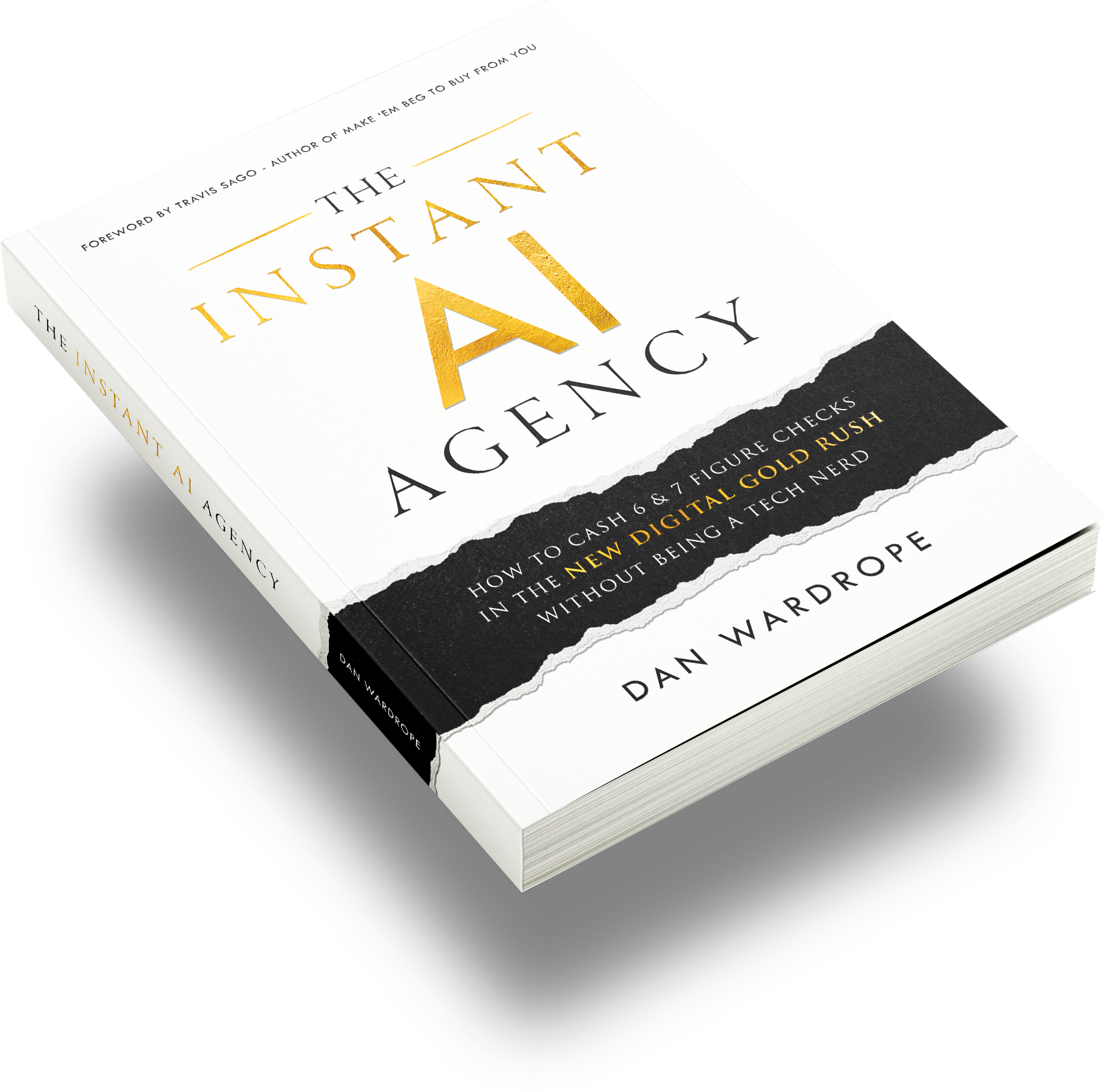
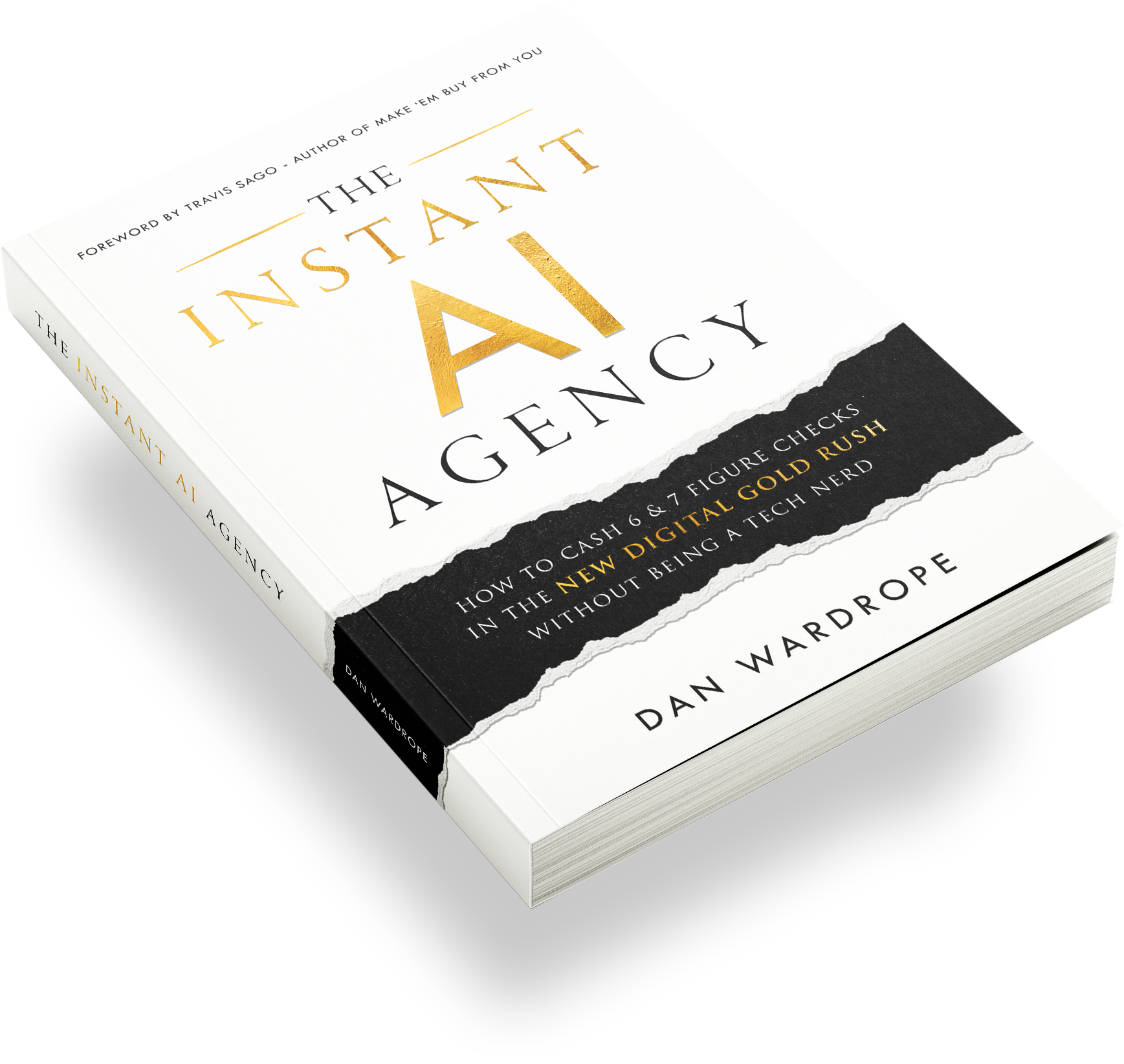
Dan Wardrope lays out this whole reactivation model in his book, The Instant AI Agency. It’s the playbook behind accounts like this one.
Frequently Asked Questions
Is the free GoHighLevel snapshot really free?
Yes, the snapshot costs nothing. You only need a HighLevel account to import it into. Use our 30-day trial link first, so you can test everything before paying for a plan.
What does a GoHighLevel snapshot not include?
A snapshot doesn’t include contacts, conversations, phone numbers or integrations. Facebook, Google and calendar connections all need reconnecting. You also need to complete A2P registration again in each new sub-account.
Can I import a snapshot into a client’s existing sub-account?
You can, but we don’t recommend it. Existing assets can clash with the snapshot and cause confusion. Always import into a clean sub-account first, then test it.
How do I push snapshot updates to all my clients?
Refresh the snapshot after you make changes, then load the updates into each sub-account. This only works for sub-accounts in your own agency. Anyone you shared a link with must import it again.
Why does the AI SMS engine use four workflows?
Four small workflows make troubleshooting fast. If something breaks, you isolate the one workflow causing the error. The 0 to 4 numbering shows anyone the running order at a glance.
Do I need A2P verification to use this snapshot?
Yes, if you text US numbers. A2P 10DLC registration tells carriers who you are and what you send. Without it, carriers may filter or block your messages.
How much can I charge for an AI SMS database reactivation campaign?
Most agencies charge per result, such as per appointment or per sale. This account earns $15 per $99 sale. Performance pricing makes the offer easy to say yes to.
Can I sell my own GoHighLevel snapshot?
Yes. Click Share Snapshot, then Get Permanent Link, and send that link to a buyer. Run it on a real client first, or you’ll sell the same problems most snapshots have.
Conclusion
You now have a free GoHighLevel snapshot built from a real account with over a million AI text conversations. You’ve seen the five-stage pipeline, the four-workflow engine and the safety workflows that protect your budget.
Your next moves are simple. Start the 30-day trial, import the snapshot, and work through the 15-minute checklist. Then use the Prince Charming Challenge to run your first database reactivation campaign.
Be cautious when you buy snapshots, and build every client system only once.