We have watched too many new AI agency owners burn weeks “building a website,” only to realize they were procrastinating on the only thing that matters: getting clients. When we started out, getting a site live felt like climbing a mountain. Today, you can install a ready-made GoHighLevel website template, connect a domain, add your booking calendar, and hit the ground running in a single session.
In this post, we’ll show you the exact fast-path from the video: how to install the plug-and-play AI Automation Agency Website Template, how to connect your custom domain, what to edit (and what to ignore), and how to start your AI journey fast with a clear offer and a live site you can confidently send to prospects.
Get the template and launch fast
If your goal is to get online quickly without tech headaches, the simplest move is installing the plug-and-play website template snapshot from the video.
Install the Website Template here: https://link.flexxable.com/snapshot-sb/
This snapshot is designed to help you publish a professional agency site quickly so you can stop tweaking and start doing the real work: outreach, conversations, demos, and booking calls.
Who this is for
This setup is perfect if you’re a complete beginner, you’re going through the Prince Charming Challenge, or you’re building an AI automation agency and want a clean site live today.
We go way more in depth on how to to build, launch and scale an AI automation agency in the Prince Charming Challenge: https://link.flexxable.com/prince-charming/
Step 1: Connect your custom domain to GoHighLevel
Before your website looks “real,” you need your own domain connected and verified inside HighLevel.
HighLevel provides a step-by-step tutorial on adding a domain and verifying DNS records, which is the official process you should follow if you’re using GoDaddy or any other registrar.
Domain setup tutorial: https://help.gohighlevel.com/support/solutions/articles/155000002220-how-to-add-a-domain-and-verify-dns-record
Action steps
Buy your domain (GoDaddy or any registrar).
Add it inside HighLevel and copy the DNS records into your registrar.
Verify the DNS and wait for SSL to complete so your site loads securely.
Step 2: Install the HighLevel snapshot (and do not over-customize)
Once your domain is connected, install the snapshot so you start with a structured site instead of a blank page.
The whole point is speed: a template reduces decision fatigue, keeps your pages consistent, and removes the need to “learn web design” before you earn money.
Reminder link to install the template: https://link.flexxable.com/snapshot-sb/
Step 3: Publish the core pages that make you look legitimate
The template includes the exact pages most prospects expect to see when they check you out: Home, About, Contact, and Solutions or Services.
We recommend keeping these pages even if you barely touch them because navigation and a simple site map helps you look like a real business, not a random DM pitch.
What to edit first (fastest ROI)
Your headline: make it outcome-based, not “AI automation.”
Your call to action button: make it one clear next step (Book a call).
Your services list: only keep offers you can deliver confidently right now.
Unique tip most people miss: use global sections to update your header once
HighLevel supports global sections, which means you can create one header and have it appear across every page.
This is a massive time saver because changing your logo, menu, or button in one place updates the whole site, instead of editing each page manually.
Step 4: Make it mobile friendly in 10 minutes
Most prospects will view your site on mobile first, so your job is not perfection, it is readability.
Use the mobile preview in HighLevel’s site builder to confirm the headline fits, buttons are tappable, and sections stack cleanly.
Quick mobile checklist
One clear headline on screen without scrolling.
One obvious button to book or contact you.
No giant text blocks, keep it scannable.
Step 5: Add calendar booking so leads can schedule instantly
Your website should do one job: turn interest into booked calls. HighLevel lets you embed a calendar so prospects can book without back-and-forth messages.
Set availability, working hours, and notifications so every booking is confirmed and you never miss a lead.
Step 6: Add basic tracking so you know what is working
HighLevel lets you add global tracking code across your website, which is helpful for analytics and ad tracking as you start marketing.
A common best practice is placing Google Analytics code in the head so tracking loads early across your pages.
Build the rest of your AI agency system
Your site is step one. To make money with AI, you need lead flow, automation, and a simple delivery system you can replicate for clients.
The ULTIMATE Guide to Go High Level Workflows
Build a Voice AI Agent in Go HighLevel
How to API Leads into HighLevel: A Step-by-Step Guide
Want the “no guesswork” AI journey?
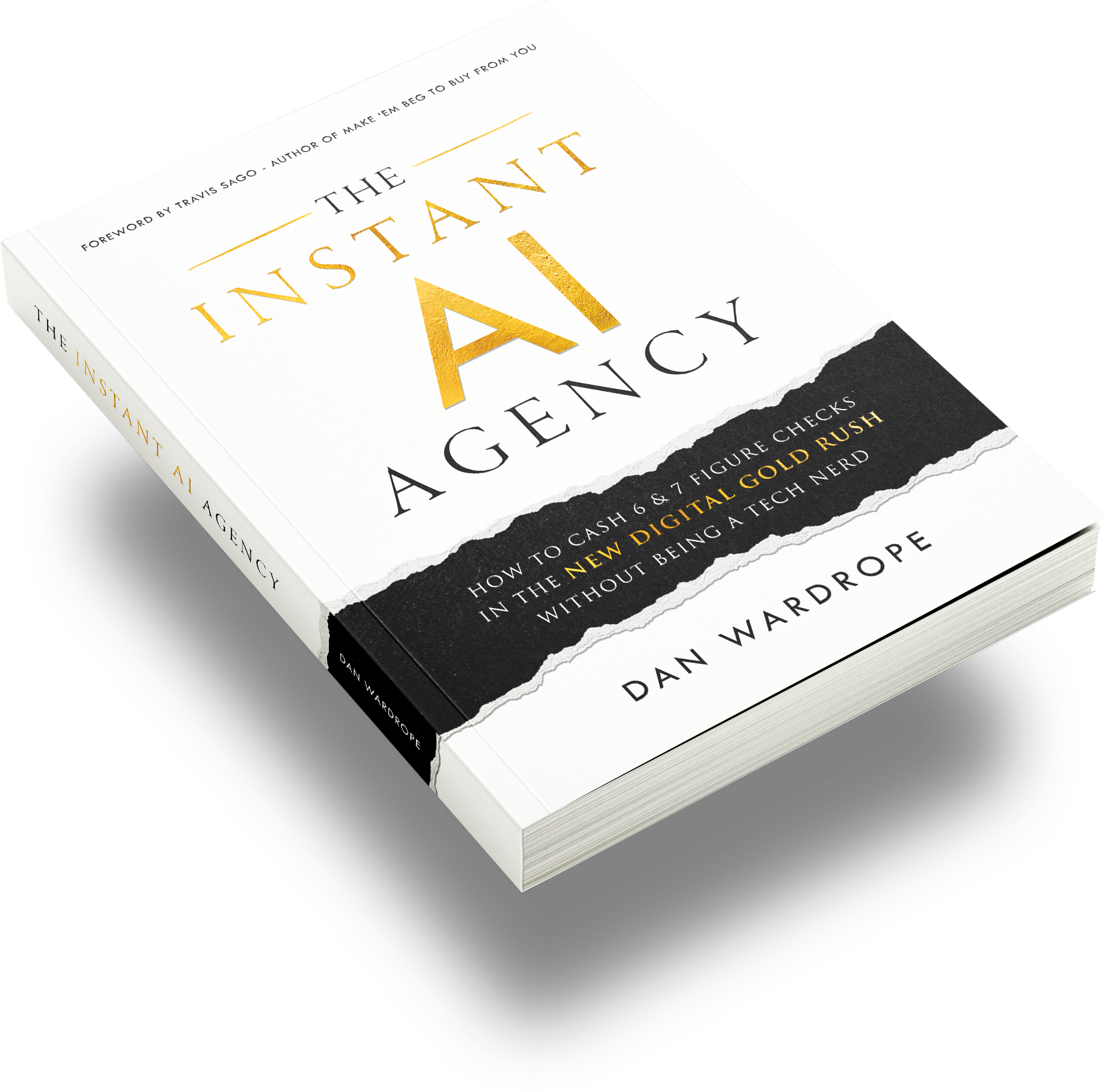
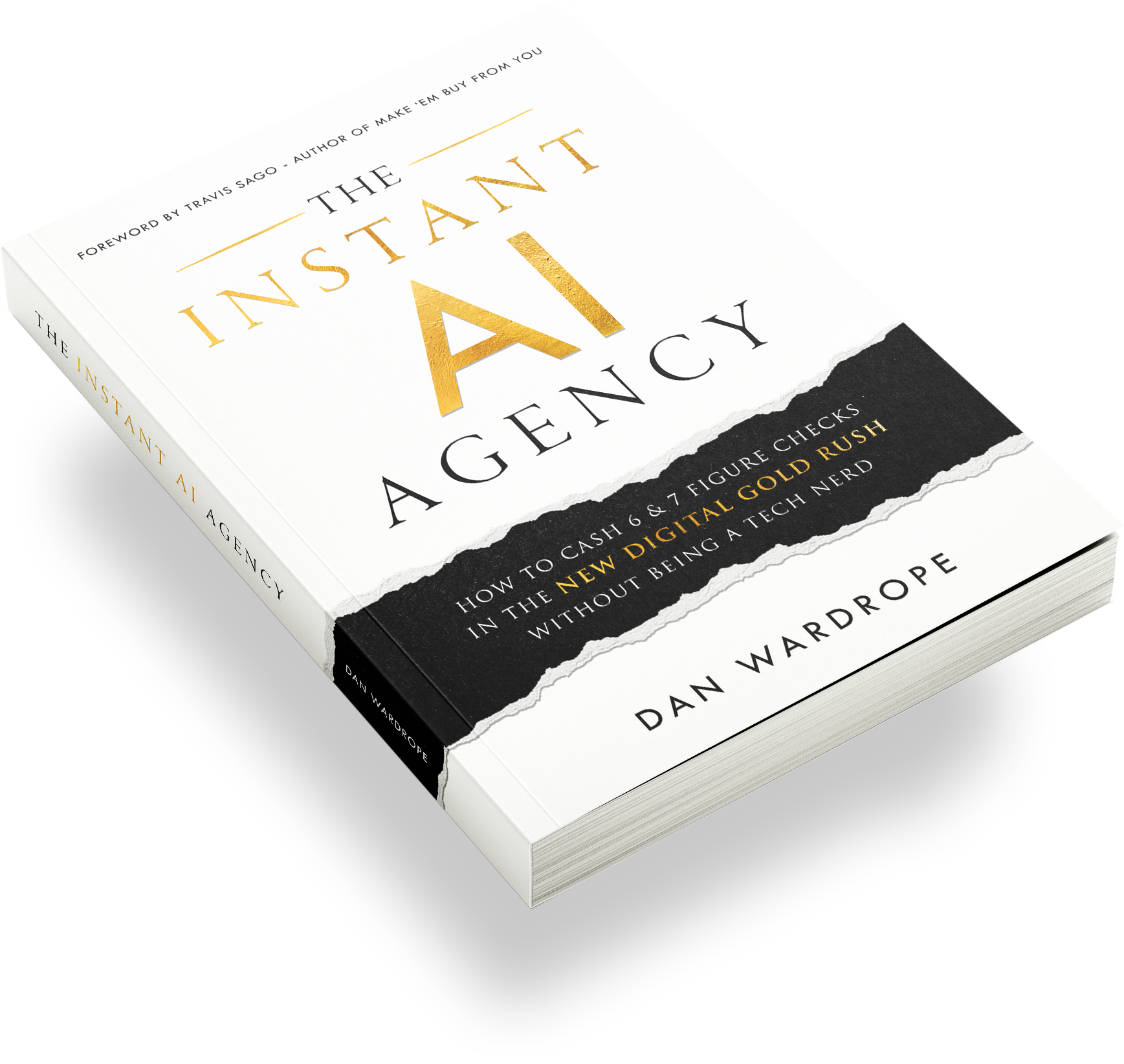
If you want a direct path to making money with AI, we recommend grabbing The Instant AI Agency and actually applying it while your website is live, even if the site is not perfect yet.
Stop procrastinating!
You do not need weeks to build a website. Connect your domain, install the template snapshot, edit only the essentials, add booking, and start taking action so you can land clients and protect your future with AI.
Are you going to publish your site today, and if not, what is the one thing you keep getting stuck on?